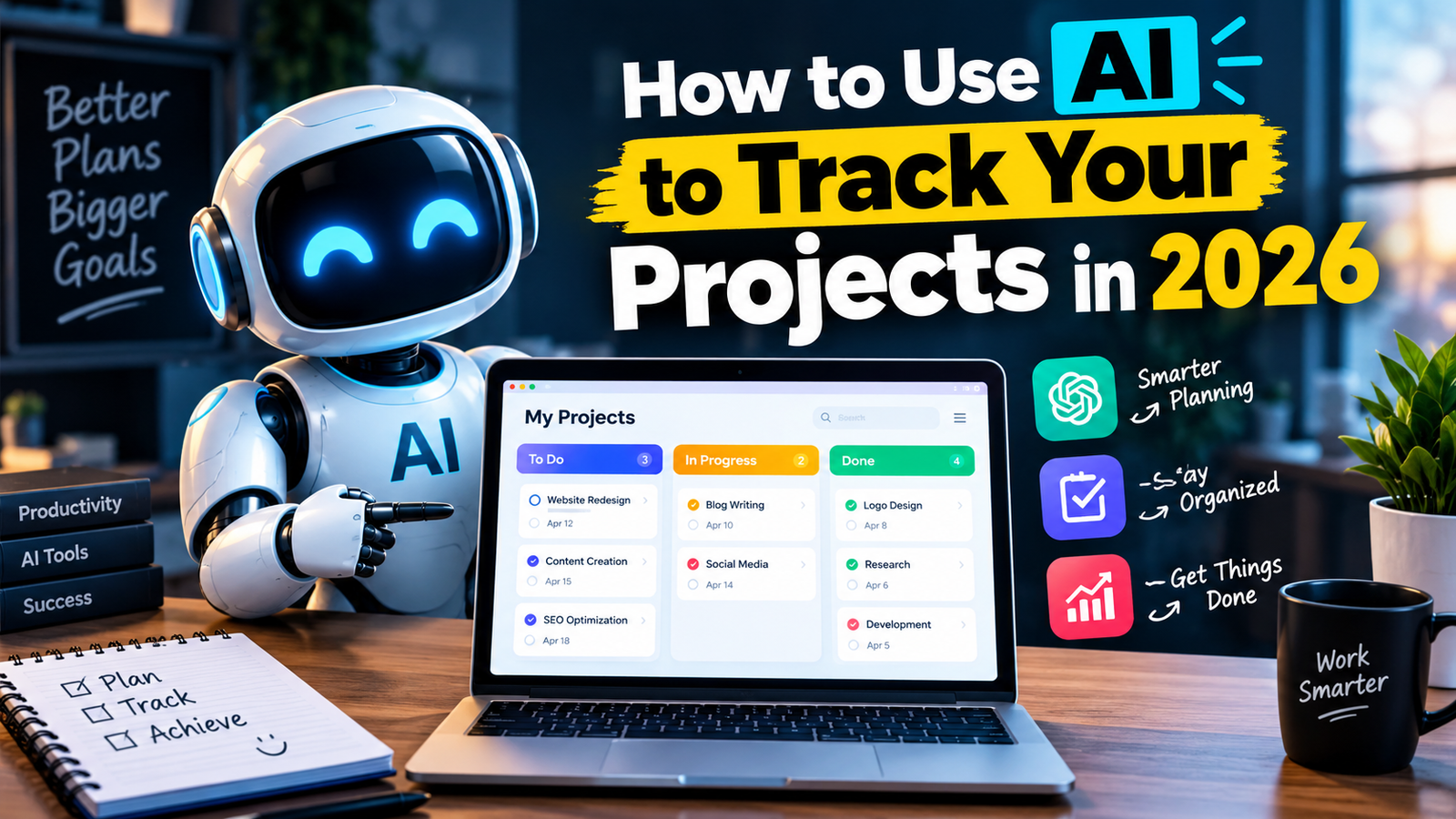
Managing a project can become difficult when you have many tasks, deadlines, files, and people to deal with. It is easy to forget a small task or miss an important deadline.
AI can make project tracking much easier. Instead of checking everything manually, AIpowered tools can help you organize tasks, monitor progress, summarize updates, and identify possible delays.
In this guide, you will learn how to use AI to track your projects and stay organized. Lorem ipsum dolor sit amet, consectetur adipiscing elit. Ut elit tellus, luctus nec ullamcorper mattis, pulvinar dapibus leo.
What Is AI Project Tracking?
AI project tracking means using artificial intelligence to help monitor the progress of a project.
An AI-powered project management tool can help you:
- Organize tasks
- Set deadlines
- Track project progress
- Create task lists
- Summarize project updates
- Identify delayed tasks
- Prioritize important work
- Create reports
- Remind team members about deadlines
You can use AI for personal projects, freelance work, school assignments, business projects, and team work.
Why Use AI for Project Tracking?
Traditional project tracking often requires updating spreadsheets, checking messages, and manually creating reports.
AI can reduce some of this work.
For example, instead of reading a long project update,
AI can summarize the important information for you. It can also help organize tasks based on their priority and deadline.
This gives you more time to focus on actually completing the project.
How to Use AI to Track a Project
1. Create a Clear Project Plan
Before using AI, you need to understand what your project requires.
Write down:
- Project goal
- Main tasks
- Deadlines
- People responsible for tasks
- Important milestones
- Expected completion date
You can then give this information to an AI tool and ask it to organize the project into smaller tasks.
2. Break Large Tasks Into Smaller Tasks
Large projects can feel overwhelming when everything is treated as one task.
AI can help divide a large task into smaller steps.
For example, instead of having one task called:
“Create a website”
AI can help divide it into:
- Choose a domain
- Select hosting
- Plan website structure
- Create homepage
- Create About page
- Create contact page
- Publish first articles
- Test the website
- Launch the website
Smaller tasks are easier to track and complete.
3. Set Deadlines
Deadlines help you understand how quickly a project is moving.
AI can help create realistic deadlines based on the amount of work involved.
You can give AI your list of tasks and available time and ask:
“Create a realistic deadline schedule for these tasks over the next 14 days.”
You should still review the suggested schedule because AI does not know every detail of your situation.
4. Track Task Progress
Project management platforms can use AI to help organize tasks into different stages.
For example:
Not Started → In Progress → Review → Completed
This makes it easier to see what has been finished and what still needs attention.
You can also use AI to summarize the current status of your project.
For example:
“Summarize the project and show completed, pending, and delayed tasks.”
The result can give you a quick overview without manually reviewing every task.
5. Use AI to Find Delays
One useful feature of AI project management is identifying tasks that may cause delays.
For example, imagine your project has a design task that is two days late. Other tasks depend on that design.
AI can help highlight the delay and show which upcoming tasks could be affected.
This allows you to deal with problems earlier instead of discovering them near the final deadline.
Tips for Using AI for Project Tracking
AI can be helpful, but you should still manage your project actively.
Keep your information updated: AI can only work with the information you provide.
Check AI suggestions: Don’t blindly follow every deadline or recommendation.
Use clear task names: Simple task descriptions make projects easier to understand.
Set realistic deadlines: Avoid creating schedules that are impossible to complete.
Review your project regularly: Check progress every day or week.
Keep important information in one place: This makes tracking easier and reduces confusion.
Common Mistakes to Avoid
Relying Completely on AI
AI is an assistant, not a project manager who understands everything about your situation.
Always review important decisions yourself.
Adding Too Many Tasks
A huge task list can make a project harder to manage.
Focus on the tasks that actually move the project forward.
Ignoring Delays
If a task is late, update your project immediately.
Don’t leave outdated information in your project tracker.
Using Too Many Tools
You don’t need five different project management apps.
Choose a tool that fits your workflow and use it consistently.