Introduction
Starting an online business used to need a big budget, a design team, and a lot of technical knowledge. In 2026, AI tools have made it much easier. You can plan your idea, build a store, design your brand, and answer customers without hiring anyone. You need a laptop, an internet connection, and the willingness to learn.
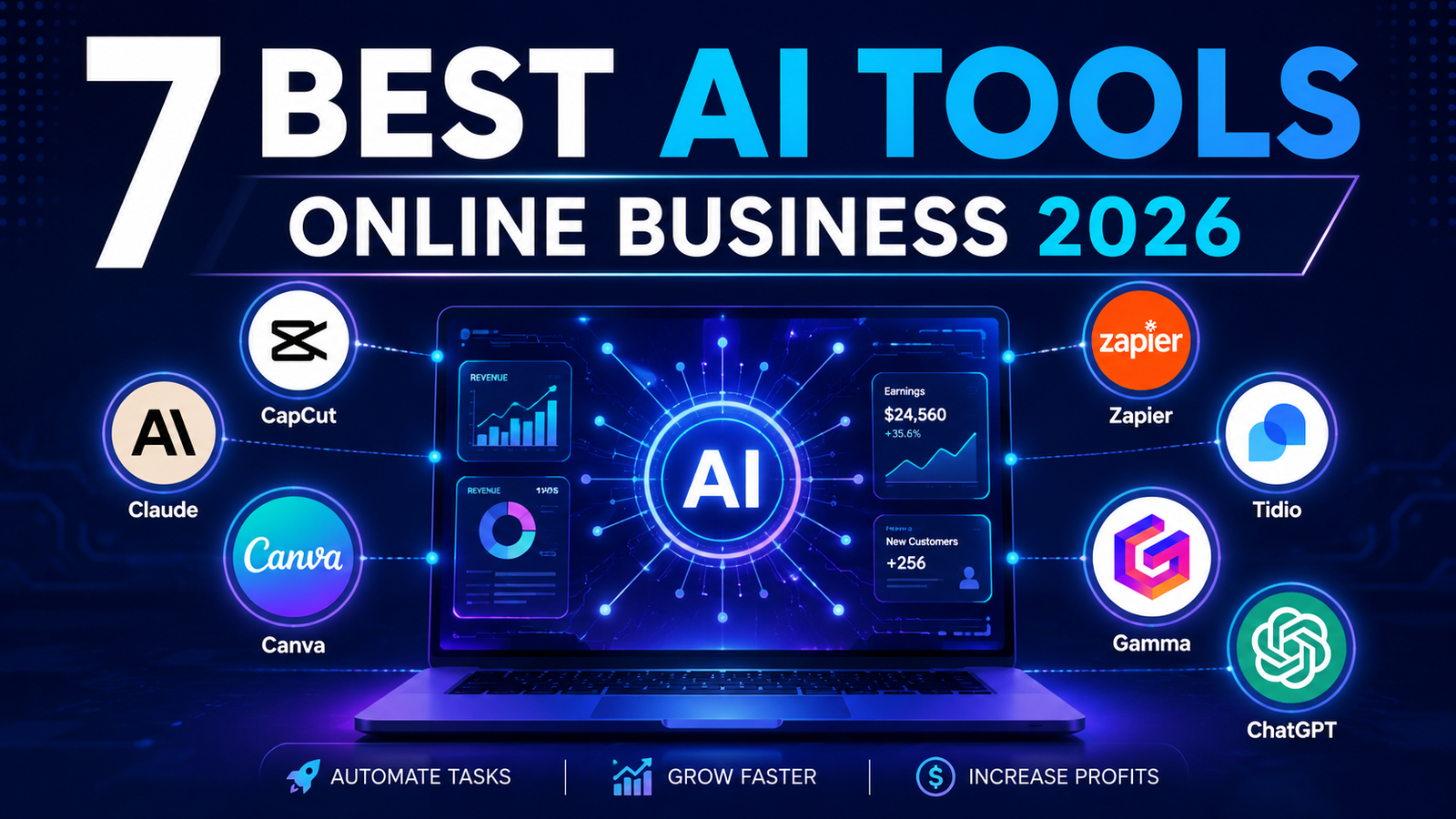
In this guide, you will learn about 7 AI tools that can help you start an online business. For each tool, you will see what it does, how it helps your business, whether it is free or paid, and its advantages and disadvantages.
Important note: No tool can build a successful business for you. These tools save time and reduce costs. Your results depend on your idea, your effort, and your consistency.
1. ChatGPT: For Business Ideas and Content
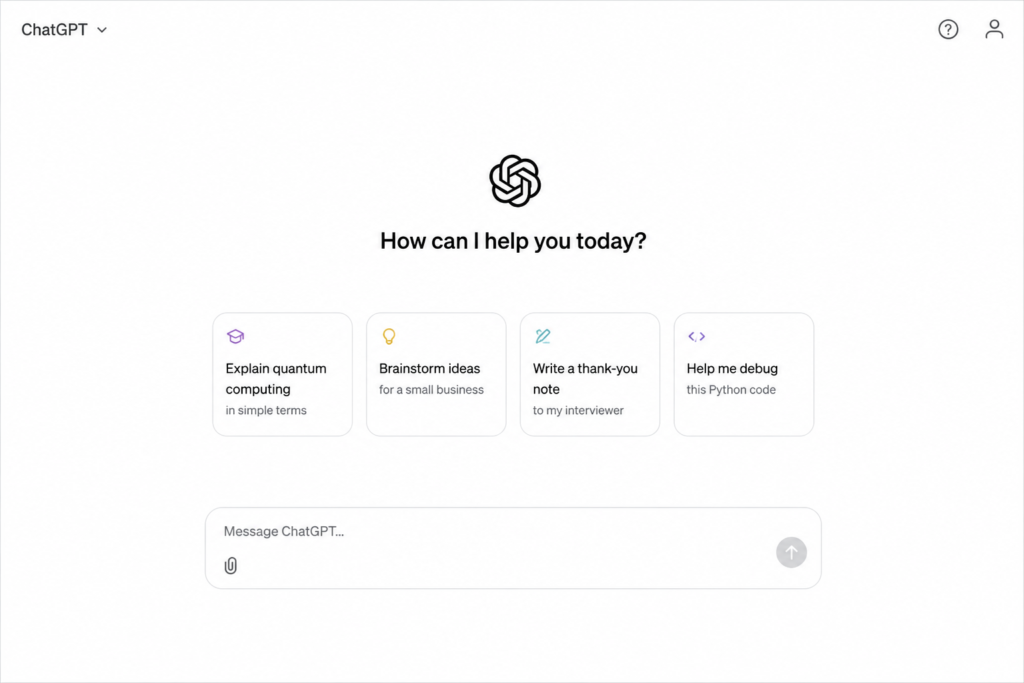
ChatGPT is an AI chatbot that can write, explain, and brainstorm. For a new business owner, it works like a free assistant that is available all day.
How it helps your business:
- Brainstorm business ideas and product names
- Write product descriptions, emails, and social media captions
- Create a simple business plan outline
- Draft replies to common customer questions
Free or paid? There is a free plan. Paid plans start at about $8 per month (Go), and the Plus plan is about $20 per month. The cheaper Go plan may show ads.
Advantages:
- Free plan available, so you can start without paying
- Very easy for beginners
- Useful for almost every stage of a business
Disadvantages:
- The free plan has usage limits
- The cheaper plan may include ads
- It can make mistakes, so you must check facts, prices, and claims
Starter tip: Do not copy and paste blindly. Add your own brand voice and real product details. Customers can tell when text feels generic.
2. Claude: For Research and Business Planning
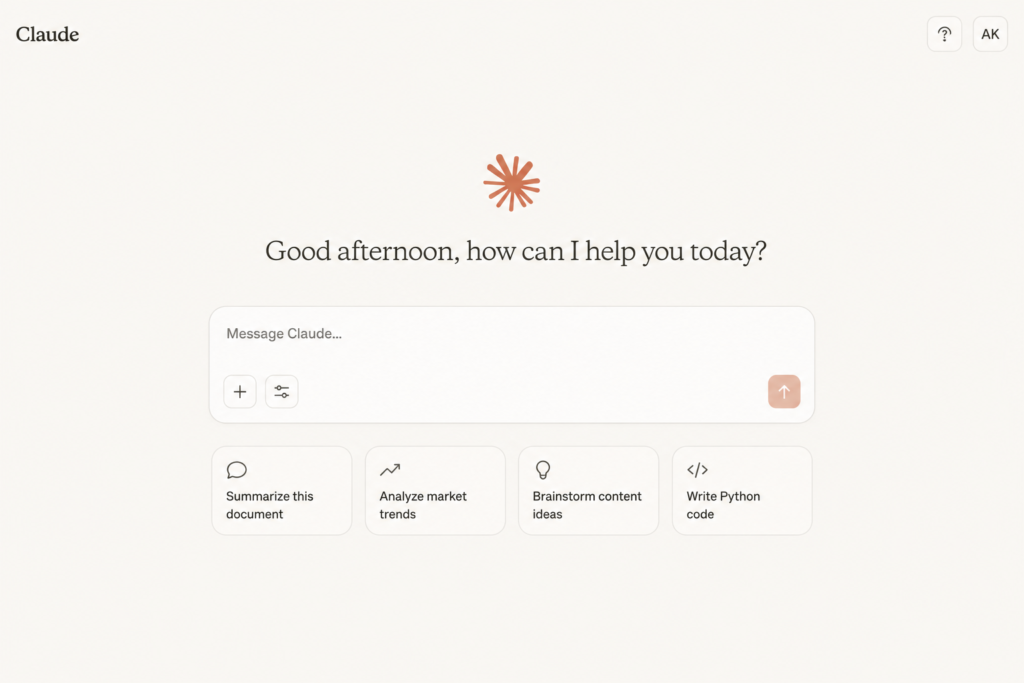
Claude is an AI assistant made by Anthropic. People like it for long documents, careful writing, and research help.
How it helps your business:
- Summarize competitor websites and market reports
- Write a detailed business plan or FAQ page
- Review your product pages and suggest improvements
- Help with simple website or spreadsheet tasks Free or paid? There is a free plan. The Pro plan is about $20 per month.
Advantages:
- Free plan available
- Good with long documents and careful writing
- Helpful for research and structured planning
Disadvantages:
- The free plan has usage limits
- The Pro plan costs about the same as ChatGPT Plus
- It can be wrong sometimes, so always review the output
Starter tip: Give clear instructions. A prompt like “Compare three competitors for a handmade candle store and list their weaknesses” gives much better results than “Help me with my business.”
3. Shopify: For Building Your Online Store
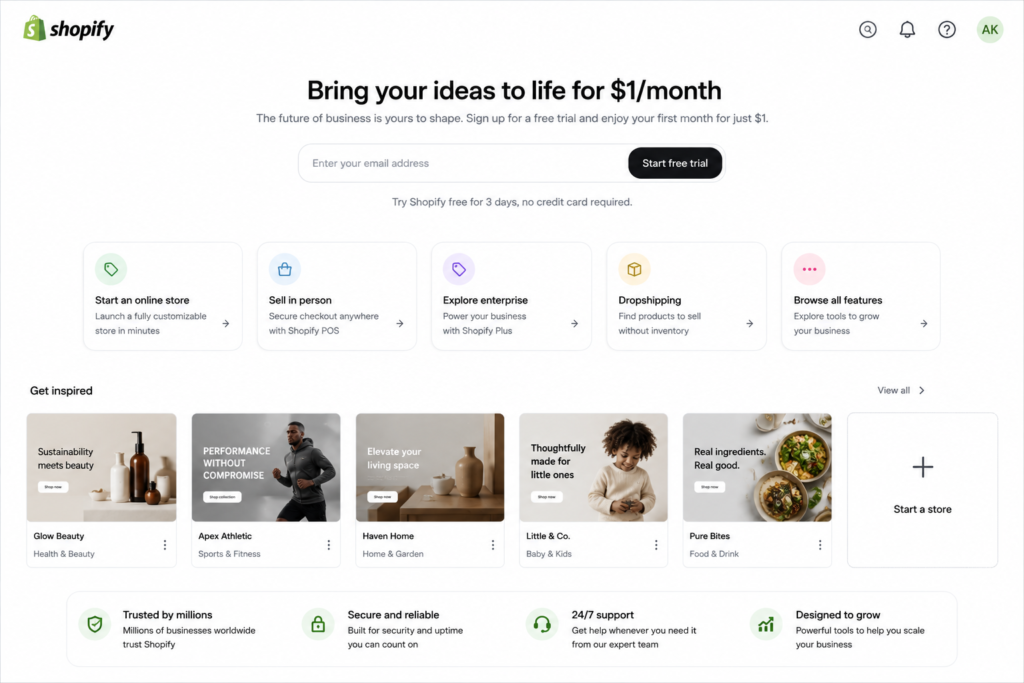
Shopify is one of the most popular platforms for selling products online. It handles your store pages, product listings, cart, and checkout, and it includes AI features to help with store setup and product descriptions.
How it helps your business:
- Build a complete online store without coding
- Sell your own products, print-on-demand items, or dropshipping products
- Manage orders and customers in one place
Free or paid? There is no permanent free plan. The Starter plan costs $5 per month, while a full online store starts with Basic at $39 monthly, or $29 per month on annual billing. New merchants have recently been offered a 3-day free trial and then their first three months for $1 per month, but offers change, so check the website.
Advantages:
- Easy to set up, even for complete beginners
- Thousands of apps and themes
- Reliable checkout and good support
Disadvantages:
- Monthly cost starts before you make your first sale
- Apps and themes can add extra costs
- Payment options depend on your country, so check which payment methods are available where you live
Starter tip: Start with one product or one small niche. A small, focused store is easier to manage than a store that sells everything.
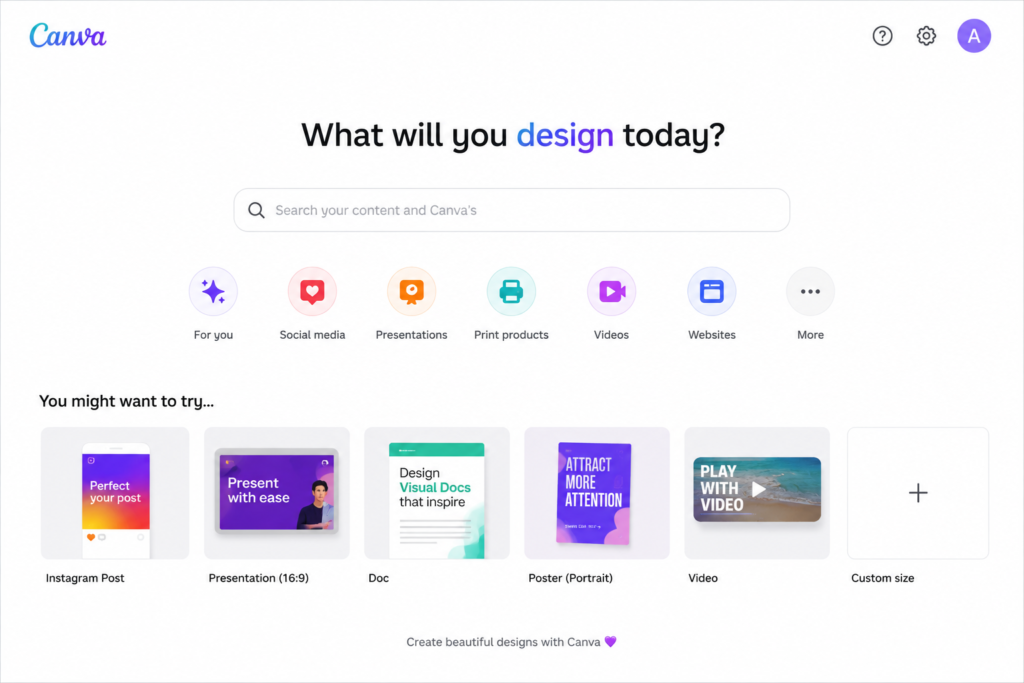
4. Canva: For Logo, Branding, and Social Media
Canva is a design tool with built-in AI features. A good brand look builds trust, and Canva lets you create it without a designer.
How it helps your business:
- Design a logo, business cards, and product banners
- Create Instagram posts, Reels covers, and Facebook ads
- Make product mockups and simple brand guidelines
Free or paid? There is a free plan. Canva Pro is about $15 per month, and some sources show a higher price of up to $18, depending on billing and region.
Advantages:
- The free plan is very good for beginners
- Thousands of ready-made templates
- Easy drag-and-drop design
Disadvantages:
- Features like Background Remover and Magic Resize need Pro
- Many premium templates are locked on the free plan
- Many people use the same templates, so designs can look similar
Starter tip: Pick two colors and two fonts, and use them everywhere. A consistent look makes a small business feel professional.
5. Zapier: For Automating Boring Tasks
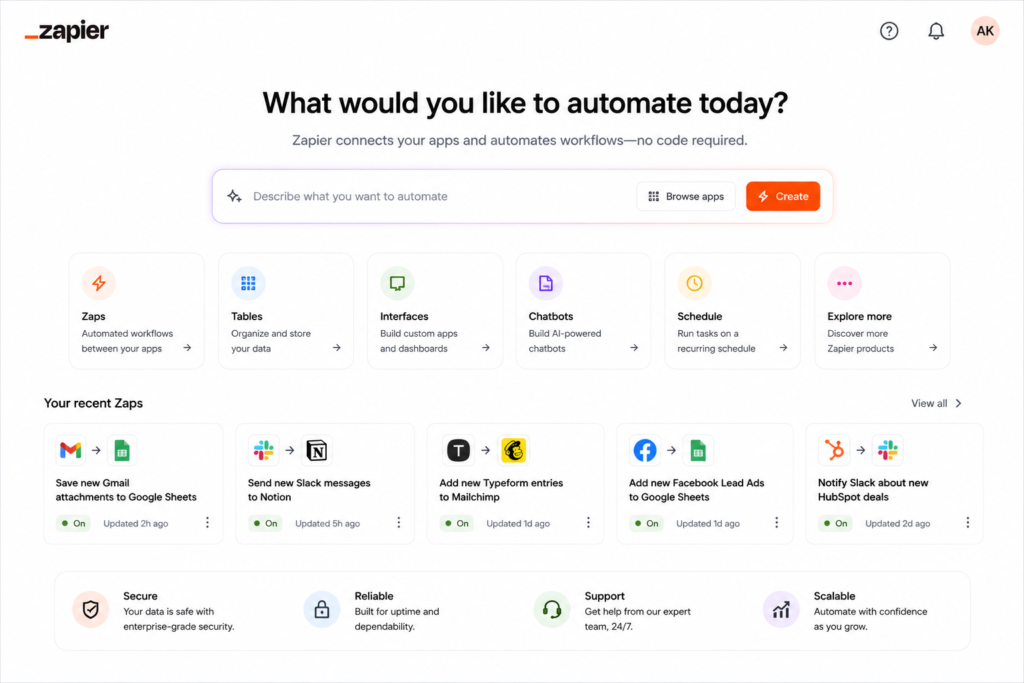
Zapier connects your apps so they work together automatically. For example, when a customer fills out a form, Zapier can add them to a spreadsheet and send a thank-you email.
How it helps your business:
- Save new orders or leads to a spreadsheet automatically
- Send automatic welcome emails
- Post updates to social media or notify you on your phone
Free or paid? There is a free plan. It gives you 100 tasks per month, and the paid Professional plan starts at $19.99 per month billed annually, or $29.99 billed monthly, for 750 tasks.
Advantages:
- Saves hours of repeated work
- Works with thousands of apps
- No coding needed
Disadvantages:
- The free plan is limited to 100 tasks per month and simple automations
- Costs can rise quickly as your tasks increase
- It takes some time to learn
Starter tip: Automate only one task at first, like saving new orders to a sheet. Once it works, add more.
6. Tidio: For Customer Chat and Support
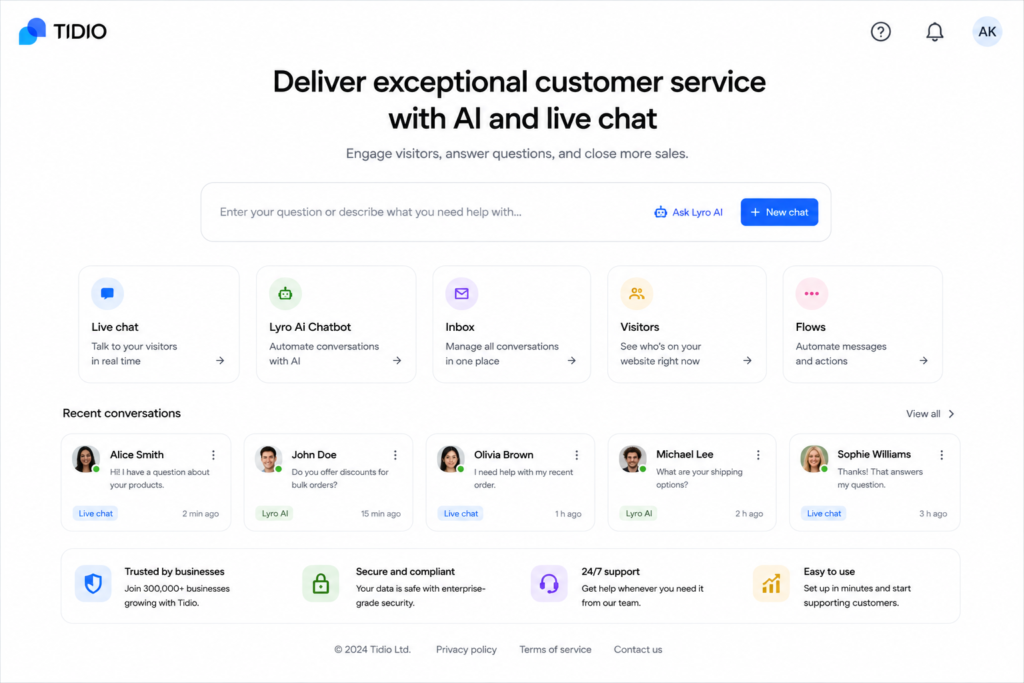
Tidio adds a live chat and chatbot to your website. It can answer common questions even when you are asleep, which is very helpful for a one-person business.
How it helps your business:
- Answer questions about shipping, price, and returns automatically
- Collect customer emails
- Reduce missed messages from visitors
Free or paid? There is a free plan. The free plan includes 50 billable conversations per month, and the Starter plan costs $29 per month, or about $24.17 per month billed annually. AI chatbot features can cost extra, so check the pricing page carefully.
Advantages:
- Free plan available for testing
- Easy to add to a website
- Helps you reply faster
Disadvantages:
- The free plan has low conversation limits
- AI features may cost extra
- A chatbot cannot solve every problem, so you still need to check messages
Starter tip: Write clear answers to your top 10 customer questions first. A chatbot is only as good as the answers you give it.
7. Gamma: For Pitch Decks and Business Proposals
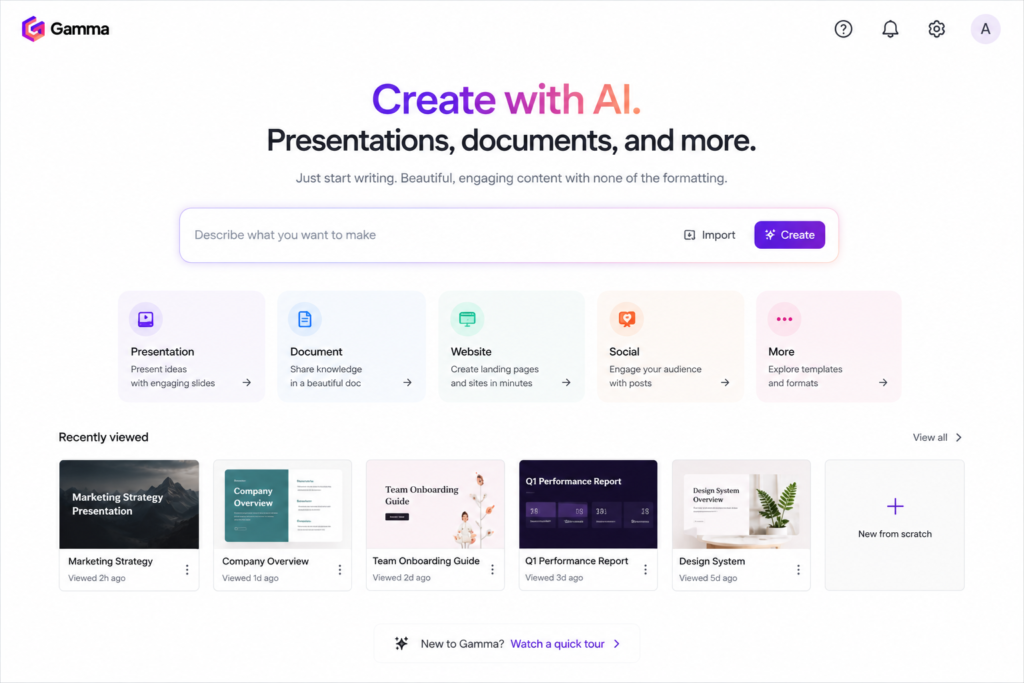
Gamma creates slides, documents, and simple web pages from a short prompt. It is useful when you need to present your idea to partners, investors, or clients.
How it helps your business:
- Create a pitch deck or business proposal quickly
- Make product presentations and price lists
- Build simple reports and training material
Free or paid? There is a free plan, but it gives only 400 AI credits one time, and they do not refresh. Paid plans start at about $8 per month if billed yearly, or about $10 per month if billed monthly.
Advantages:
- Creates a full presentation from a short prompt
- Saves hours of design time
- Free plan available for testing
Disadvantages:
- Free credits are one time only and finish quickly
- Free exports show a “Made with Gamma” badge
- Designs may need manual editing to look unique
Starter tip: Keep each slide simple: one idea, a few words, and one image. Clear slides look more professional than crowded ones.
Comparison Table
| Tool | Free or Paid? | Paid Plan Starts At | Best For |
|---|---|---|---|
| ChatGPT | Free + Paid | About $8/month (Go), $20/month (Plus) | Ideas, Product Descriptions |
| Claude | Free + Paid | About $20/month (Pro) | Research, Business Plans |
| Shopify | Trial + Paid | $5/month (Starter); Basic $39/month, or $29/month annually | Online Store |
| Canva | Free + Paid | About $15/month (Pro) | Logo and Branding |
| Zapier | Free + Paid | About $19.99/month annually, or $29.99 monthly | Automation |
| Tidio | Free + Paid | About $29/month, or $24.17/month annually | Customer Chat |
| Gamma | Free + Paid | About $8–10/month | Pitch Decks, Proposals |
Which Tool Should You Choose?
- Want to start for free? Try ChatGPT, Claude, Canva, Zapier, or Tidio first.
- Ready to sell products? Shopify is the main tool you will need.
- Complete beginner? Start with ChatGPT for ideas and Canva for your brand.
How to Start Your Online Business: A Simple 4-Step Plan
1. Choose one idea and one niche. Use ChatGPT or Claude to compare ideas and study competitors.
2. Build your brand. Create a simple logo and colors in Canva.
3. Set up your store or service page. Use Shopify, or start with social media and a simple page if your budget is small.
4. Add automation and support. Use Zapier for repeated tasks and Tidio for customer questions, once you start getting visitors.
FAQs
Can I start an online business with only free AI tools? You can plan, design, and test your idea with free plans. For a full store, you will usually need a paid platform like Shopify.
Which AI tool is best for beginners? ChatGPT and Canva are the easiest to learn.
How much money do I need to start? It depends on your business. You can begin with free tools for planning and branding, then pay for a store platform when you are ready to sell.
Do I need coding skills? No. All the tools in this guide work without coding.
Can AI replace me as the business owner? No. AI helps with tasks, but you make the decisions, check the quality, and talk to your customers.
Conclusion
AI tools do not run a business for you, but they remove many early obstacles. A strong idea, a clear brand, and steady effort matter more than any tool. Pick one idea, start small, and improve every week.
Which tool will you try first?