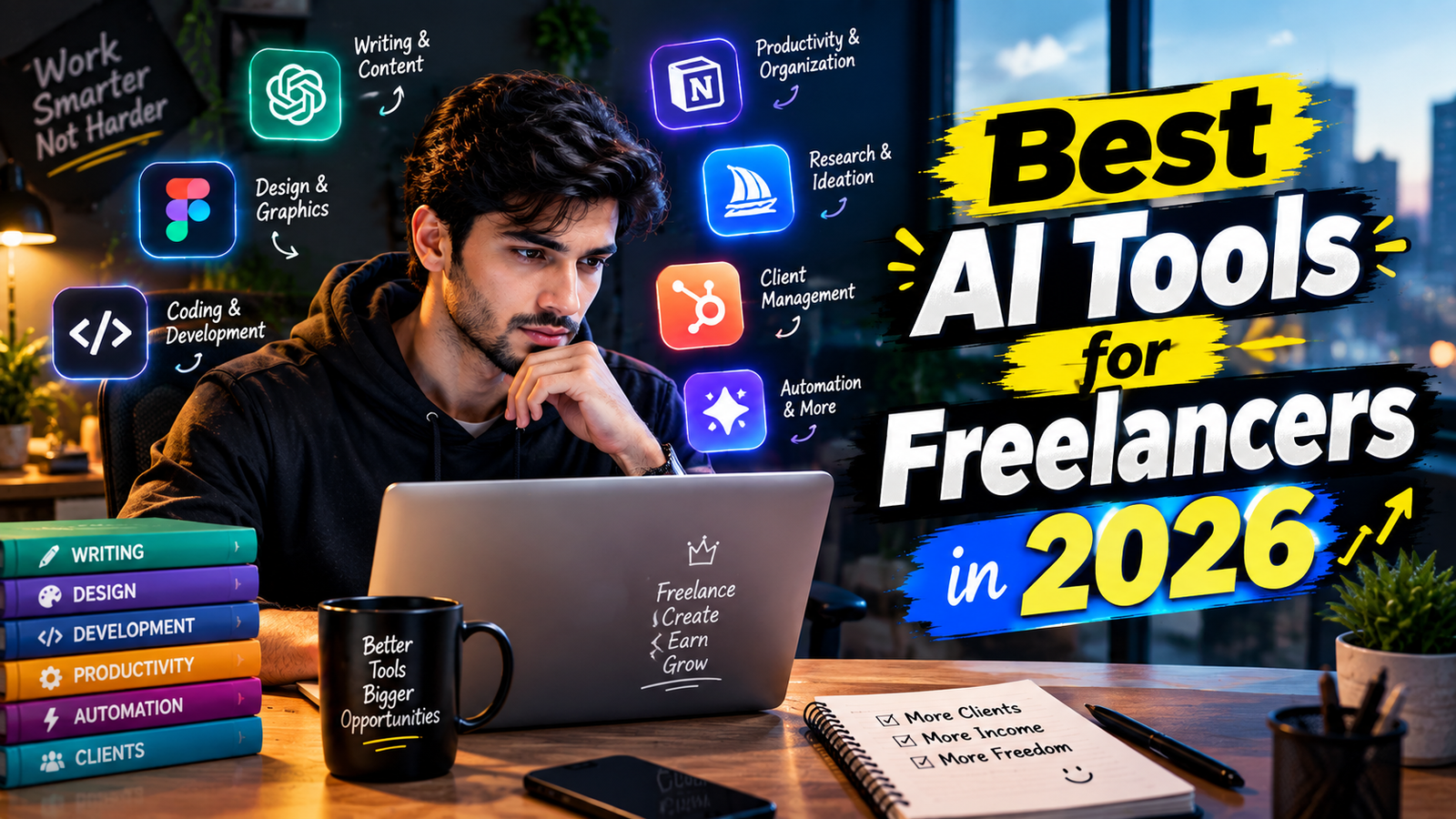
Freelancing is becoming more competitive every year. Freelancers now need to manage clients, write proposals, create content, research topics, design graphics, organize projects, and complete work on time.
AI tools can make many of these tasks easier. Instead of doing everything manually, freelancers can use AI to save time, generate ideas, improve writing, organize work, and speed up repetitive tasks.
In this article, we will look at some of the best AI tools for freelancers in 2026 and explain what each tool can do.
Why Should Freelancers Use AI Tools?
AI tools can help freelancers in many different ways.
For example, a content writer can use AI to create article outlines and improve drafts. A graphic designer can use AI to generate ideas and edit images. A video editor can use AI for captions and other repetitive tasks.
The main benefits include:
- Save time
- Generate ideas faster
- Improve writing
- Research information
- Create designs
- Organize projects
- Automate repetitive tasks
- Communicate better with clients
AI does not remove the need for human skills. Freelancers still need to check the work, understand the client’s requirements, and make the final decisions.
1. ChatGPT
Best for: Writing, brainstorming, research, coding, and general freelance work
ChatGPT is a general-purpose AI assistant that can be useful for many freelance tasks. Upwork also lists ChatGPT as a general-purpose tool for freelancers.
Freelancers can use it to:
- Write proposals
- Create content ideas
- Write article outlines
- Draft emails
- Summarize information
- Brainstorm business ideas
- Create social media content
- Help with coding
- Improve existing text
For example, you can give ChatGPT a client’s requirements and ask it to create a professional project outline.
2. Claude
Best for: Long-form writing and working with large amounts of text
Claude is another AI assistant that freelancers can use for writing, analysis, brainstorming, and document-based work.
It can be useful for freelancers who regularly work with:
- Long articles
- Reports
- Client instructions
- Business documents
- Research notes
- Large amounts of text
You can give Claude a long brief and ask it to summarize the important requirements or create an organized outline.
For writers and researchers, this can save time when dealing with large documents.
3. Perplexity
Best for: Research
Research is an important part of freelancing. Before writing an article, preparing a report, or working on a business project, you may need to find reliable information.
Perplexity is designed around web-based research and provides source-backed answers, making it useful when you need to discover information and check sources.
Freelancers can use it for:
- Market research
- Topic research
- Competitor research
- Finding statistics
- Finding sources
- Understanding new topics
However, important information should still be checked against the original sources.
4. Canva AI
Best for: Graphic design and social media content
Not every freelancer is a professional graphic designer. Canva can help freelancers create professional-looking visual content without requiring advanced design skills.
Canva’s AI features can assist with different creative tasks.
Freelancers can use Canva for:
- Social media posts
- YouTube thumbnails
- Presentations
- Posters
- Simple logos
- Marketing graphics
- Blog images
- Business designs
For example, a social media manager can use Canva to create multiple posts for a client much faster than designing everything from scratch.
5. Grammarly
Best for: Improving writing and communication
Good communication is very important when working with international clients.
Grammarly can help freelancers improve their writing by identifying grammar, spelling, clarity, and tone issues.
It can be useful for:
- Client emails
- Freelance proposals
- Blog posts
- Business messages
- Reports
- Social media content
For example, if you write a quick message to a client, you can check it before sending it to make the message clearer and more professional.
Important Tips for Using AI as a Freelancer
1. Do Not Copy AI Output Without Checking
AI can sometimes produce incorrect or outdated information. Always review important work before sending it to a client.
2. Protect Client Information
Do not casually paste sensitive client information, passwords, private documents, or confidential business data into an AI tool.
3. Use AI as an Assistant
AI works best when you provide clear instructions and then review the result.
4. Keep Improving Your Skills
AI should support your skills, not replace them. A freelancer who understands writing, design, programming, SEO, or marketing can use AI much more effectively.
5. Start With a Few Tools
You do not need 20 different AI subscriptions.
Start with one general AI assistant and one tool related to your main freelance service.
Frequently Asked Questions
What is the best AI tool for freelancers?
There is no single tool that is best for every freelancer. ChatGPT is useful for many general freelance tasks, while tools such as Canva, Perplexity, Notion, and GitHub Copilot are more focused on specific types of work.
Can AI help beginners start freelancing?
Yes. AI can help beginners with research, learning, brainstorming, writing, portfolio ideas, and client communication. However, you still need to develop a real skill that clients are willing to pay for.
How many AI tools should a freelancer use?
Start with a small number of tools. One general AI assistant plus one or two tools related to your specific service is often enough for a beginner.