Introduction
Many people want to earn money online, but they do not know where to start. The good news is that AI tools have made it easier than before. You do not need a big team, a big budget, or years of experience. You need a laptop, an internet connection, and the willingness to learn.
In this guide, you will learn about 7 AI tools that people use to earn money in 2026. For each tool, you will see what it does, how you can earn with it, whether it is free or paid, and its advantages and disadvantages.
Important note: No tool will make you rich overnight. These tools help you work faster and better. Your income depends on your effort, your skill, and your consistency.
1. ChatGPT: For Freelance Writing and Content
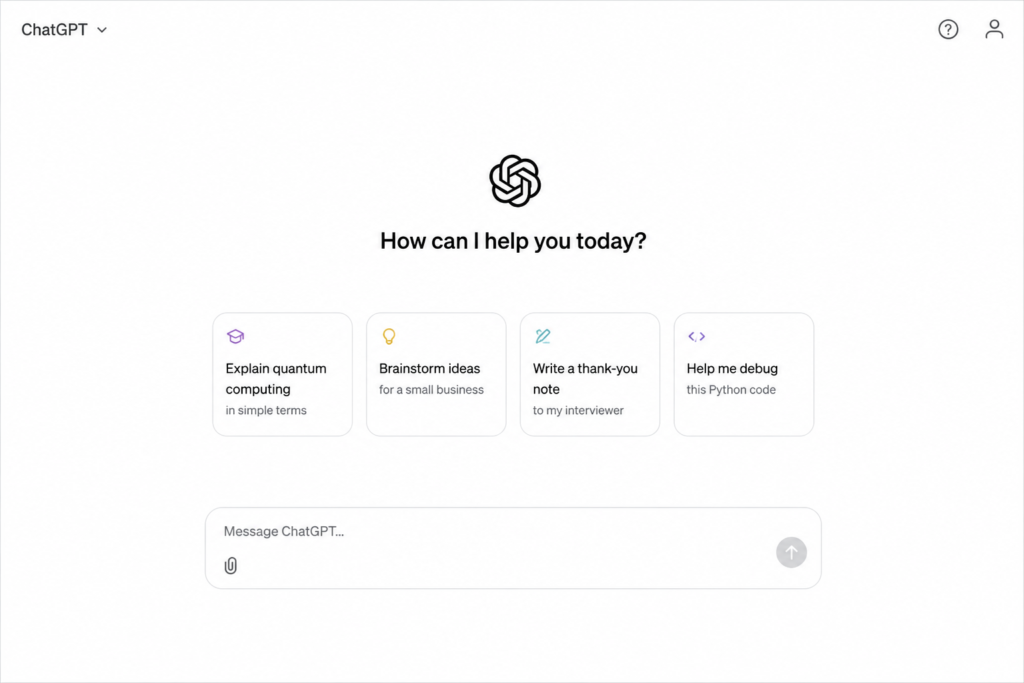
ChatGPT is an AI chatbot that can write, explain, and brainstorm ideas. It is one of the most popular AI tools in the world, and beginners find it very easy to use.
How to make money with it:
- Write blog posts, product descriptions, and emails for clients
- Create social media captions
- Offer resume and cover letter writing
- Start your own blog and earn from ads
Free or paid? There is a free plan. Paid plans start at about $8 per month (Go), and the Plus plan is about $20 per month. The cheaper Go plan may show ads.
Advantages:
- Free plan available, so you can start without paying
- Very easy for beginners
- Good for writing, brainstorming, and answering questions
Disadvantages:
- The free plan has usage limits
- The cheaper plan may include ads
- It can make mistakes, so you must check the facts
Starter tip: Never copy and paste the AI’s text directly. Edit it, add your own experience, and fix mistakes. Clients pay for quality, not for raw AI text.
2. Claude: For Research, Writing, and Coding Help
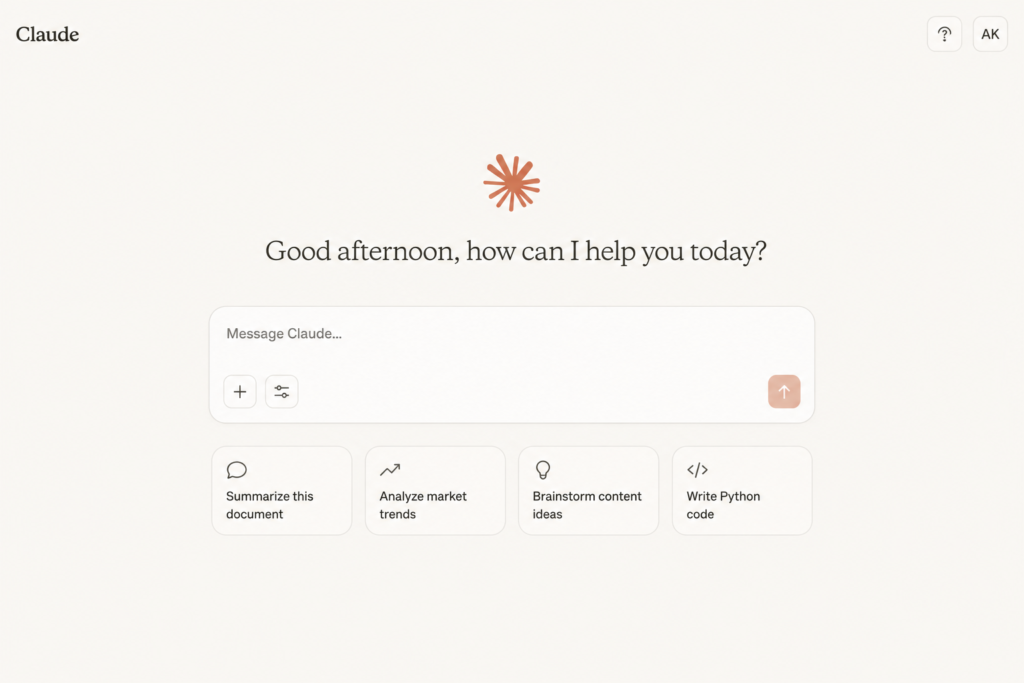
Claude is an AI assistant made by Anthropic. People like it for long documents, careful writing, and coding help.
How to make money with it:
- Summarize long reports for busy clients
- Write and edit articles, newsletters, and ebooks
- Get help building simple websites or small tools
- Prepare research notes for students or businesses
Free or paid? There is a free plan. The Pro plan is about $20 per month.
Advantages:
- Free plan available
- Good with long documents and careful writing
- Helpful for coding and research
Disadvantages:
- The free plan has usage limits
- The Pro plan costs about the same as ChatGPT Plus
- It can be wrong sometimes, so always review the output
Starter tip: Give clear instructions. A prompt like “Write a 500-word article for beginners in simple English” gives much better results than a short, vague one.
3. Canva: For Graphic Design
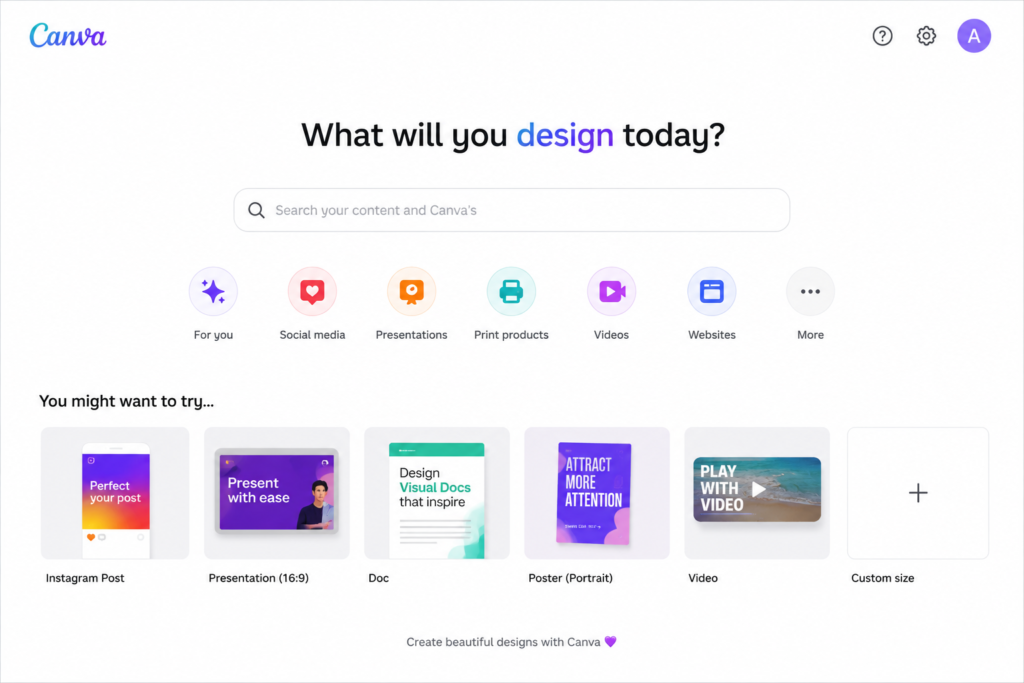
Canva is a design tool with built-in AI features. You can create designs, remove backgrounds, and generate images using simple text.
How to make money with it:
- Design logos, posters, and social media posts
- Sell templates such as resumes, planners, and Instagram posts
- Create YouTube thumbnails for creators
- Make presentations for businesses
Free or paid? There is a free plan. Canva Pro is about $15 per month, and some sources show a higher price of up to $18, depending on billing and region.
Advantages:
- The free plan is very good for beginners
- Thousands of ready-made templates
- Easy drag-and-drop design
Disadvantages:
- Features like Background Remover and Magic Resize need Pro
- Many premium templates and stock photos are locked on the free plan
- Many people use the same templates, so designs can look similar
Starter tip: Pick one niche, such as designs for small shops or teachers. Specialists get more clients than people who do everything.
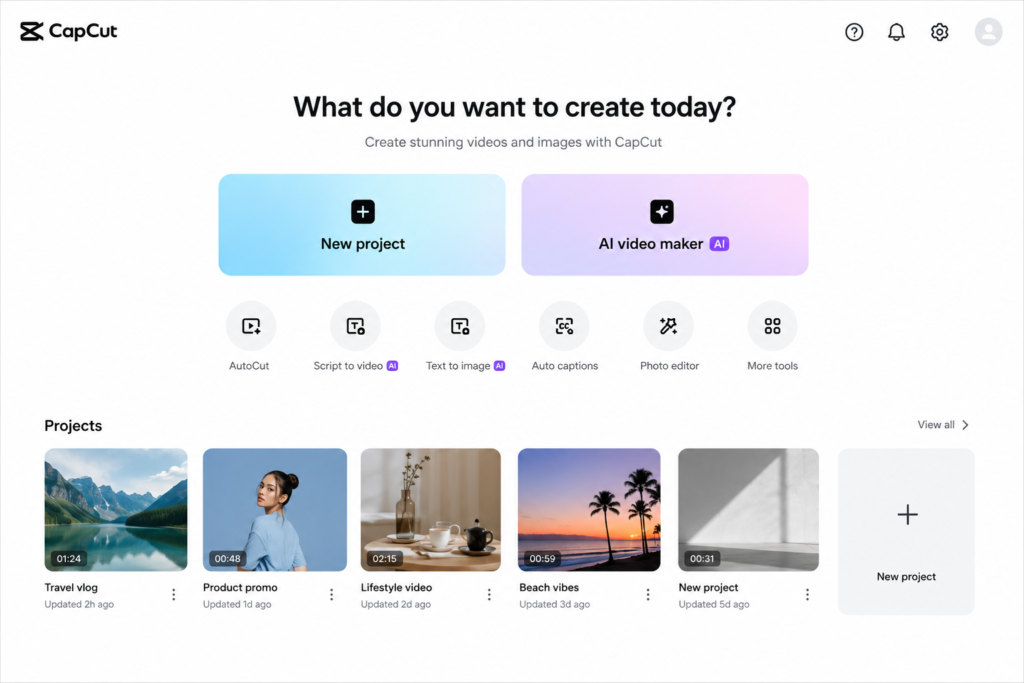
4. CapCut: For Short Video Editing
Short videos are everywhere: TikTok, Instagram Reels, and YouTube Shorts. CapCut has AI features like auto captions, background removal, and smart editing that save a lot of time.
How to make money with it:
- Edit videos for content creators and small businesses
- Start your own faceless channel
- Create short ads for local brands
Free or paid? There is a free plan. The Standard plan is about $9.99 per month, and the Pro plan is about $19.99 per month.
Advantages:
- The free version is strong for short videos
- Auto captions and AI editing save time
- Works on phone and computer
Disadvantages:
- Some premium features and templates are locked behind paid plans
- Prices have gone up in recent years
- Free exports may have limits, so check the app for your account
Starter tip: Add captions to every video. Many people watch without sound, and captions keep them watching longer.
5. ElevenLabs: For AI Voiceovers
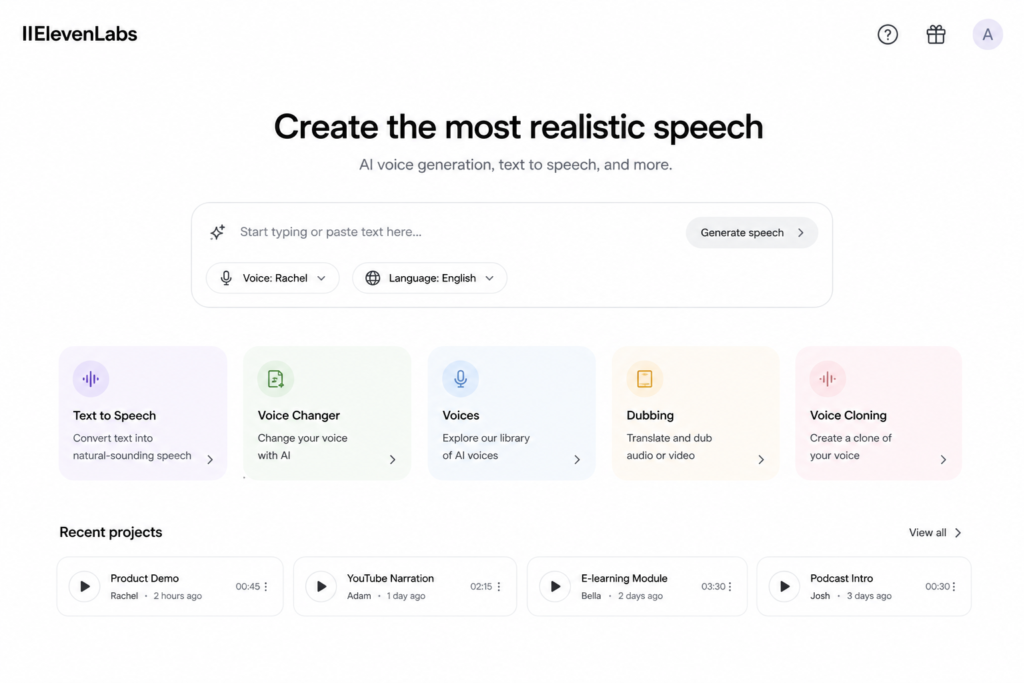
ElevenLabs turns text into natural-sounding speech in many languages. This is useful because many videos and courses need a good voice.
How to make money with it:
- Sell voiceover services for YouTube videos and ads
- Turn blog posts into audio versions
- Create audiobooks or short audio stories
- Help businesses with training videos
Free or paid? There is a free plan with about 10,000 credits per month (around 10 minutes of audio). However, the free plan does not allow commercial use. To earn money, you need at least the Starter plan, which is about $5 per month.
Advantages:
- Very natural AI voices in many languages
- Free plan lets you test the tool
- Useful for YouTube, courses, and audiobooks
Disadvantages:
- No commercial rights on the free plan, so you must pay to earn from your audio
- Monthly credits can finish quickly if you make long audio
- You must follow the rules about voice cloning and permission
Starter tip: Never copy someone’s real voice without permission. Always check the tool’s terms before selling your work.
6. Midjourney: For AI Art and Digital Products
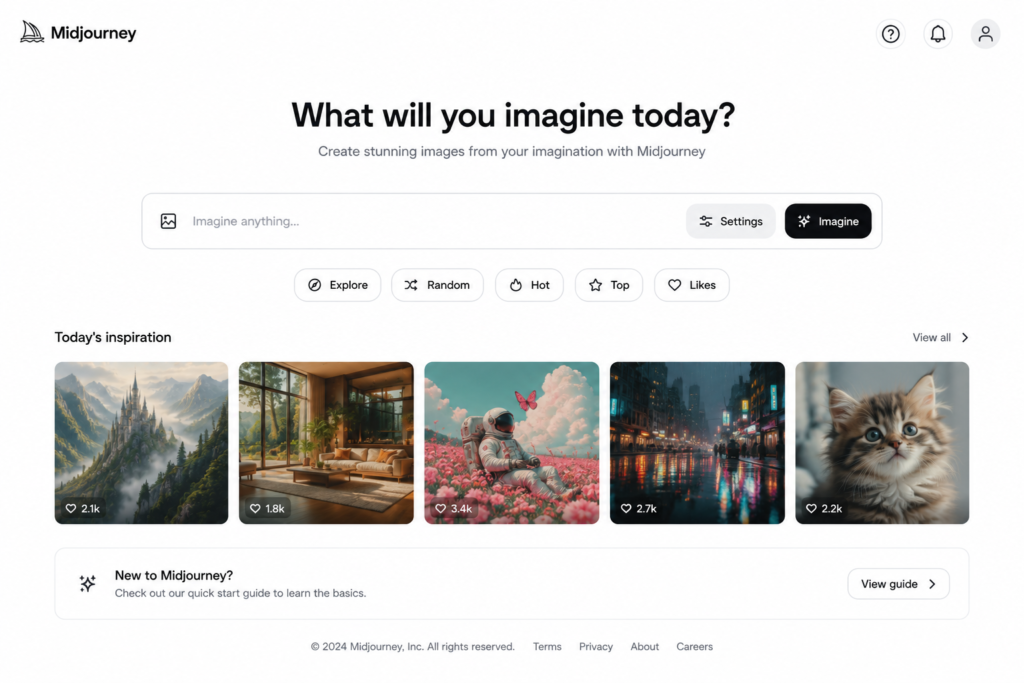
Midjourney creates images from text descriptions. The quality can be amazing, even for beginners.
How to make money with it:
- Create illustrations for book covers and blogs
- Design art for posters, wallpapers, and print-on-demand products
- Make social media visuals for brands
Free or paid? Paid only. There is no free plan on the website or Discord. Plans start at about $10 per month (Basic).
Advantages:
- Excellent, high-quality AI images
- Great for art, posters, and book covers
- Many creative styles
Disadvantages:
- No free plan, so you must pay from day one
- It takes time to learn good prompts
- Rules about selling AI art can be different on each platform
Starter tip: Check the rules of the marketplace before you sell. Some platforms have special policies for AI-generated art.
7. Gamma: For Presentations and Documents
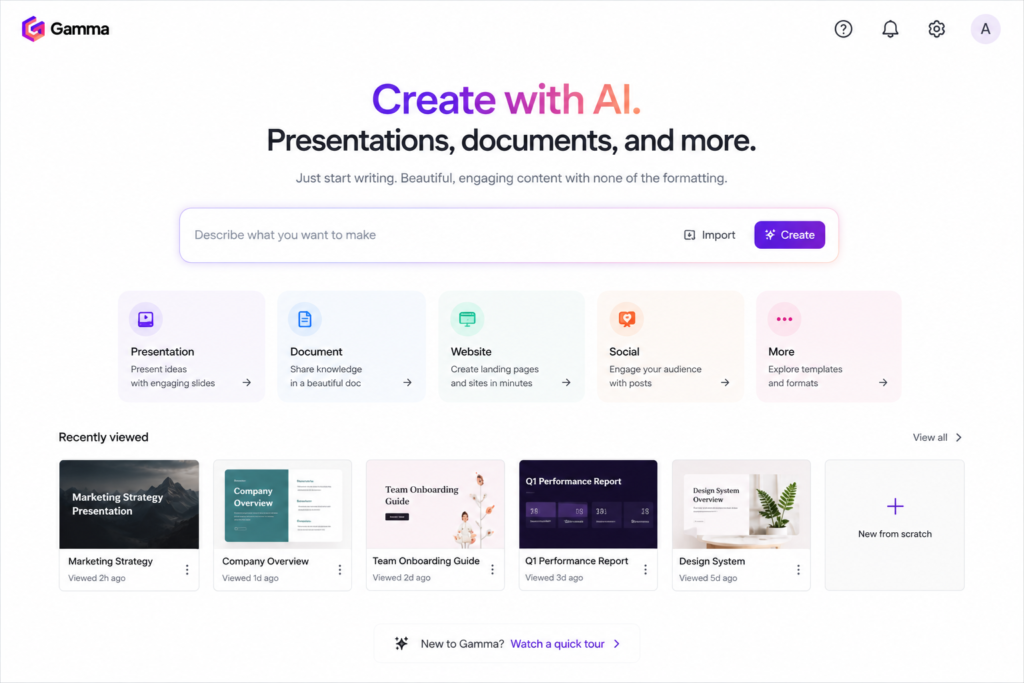
Gamma creates slides, documents, and simple web pages from a short prompt. It saves hours of design work.
How to make money with it:
- Create pitch decks and business presentations for clients
- Make study slides and course material
- Build simple proposals and reports
Free or paid? There is a free plan, but it gives only 400 AI credits one time, and they do not refresh. Paid plans start at about $8 per month if billed yearly, or about $10 per month if billed monthly.
Advantages:
- Creates a full presentation from a short prompt
- Saves hours of design time
- Free plan available for testing
Disadvantages:
- Free credits are one time only and finish quickly
- Free exports show a “Made with Gamma” badge
- Designs may need manual editing to look unique
Starter tip: Many small business owners hate making slides. Offer a fast, affordable service and show 2–3 sample presentations as proof of your work.
Quick Overview: Free or Paid?
| Tool | Free or Paid? | Paid Plan Starts At | Best For |
|---|---|---|---|
| ChatGPT | Free + Paid | About $8/month (Go), $20/month (Plus) | Writing, Ideas |
| Claude | Free + Paid | About $20/month (Pro) | Research, Writing, Coding |
| Canva | Free + Paid | About $15/month (Pro) | Graphic Design |
| CapCut | Free + Paid | About $9.99/month | Video Editing |
| ElevenLabs | Free + Paid | About $5/month | AI Voiceovers |
| Midjourney | Paid Only | About $10/month | AI Art |
| Gamma | Free + Paid | About $8–10/month | Presentations |
Which Tool Should You Choose?
- Want to start for free? Try ChatGPT, Claude, Canva, or CapCut first.
- Have a small budget ($5–$10 per month)? Look at ElevenLabs Starter, Gamma Plus, or Midjourney Basic.
- Complete beginner? Start with Canva or ChatGPT. They are the easiest to learn.
How to Start Earning: A Simple 4-Step Plan
1. Choose one tool that matches your interest. Do not try all seven at once.
2. Practice for 2–4 weeks and create 3–5 sample projects.
3. Create a profile on freelance websites like Fiverr or Upwork, or share your work on social media.
4. Start small. Take your first few orders at a fair price, collect reviews, and then increase your rates.
FAQs
Can beginners really make money with AI tools? Yes, but it takes practice. Most beginners earn their first income by offering simple services like writing, design, or video editing.
Do I need to pay for these tools? Many have free plans, but paid plans often give better features and commercial rights. Start free, and upgrade when you start earning.
Which AI tool is best for students? ChatGPT, Claude, and Canva are easy to learn and work well for freelance writing and design.
Can I use free plans to earn money? It depends on the tool. For example, ElevenLabs does not allow commercial use on its free plan. Always read the terms of each tool before selling your work.
How long does it take to earn the first income? It depends on your effort. Some people get their first order in a few weeks, while others need a few months.
Conclusion
AI tools are not magic, but they are powerful helpers. People who learn to use them well can save time, offer better services, and build real income in 2026. Pick one tool, practice every day, and focus on solving real problems for real people.
Which tool will you try first? Start today, because the best time to learn a new skill is now.