Introduction
Graphic design used to need expensive software, years of practice, and a lot of free time. In 2026, AI tools make it much easier. You can create a logo, design a social media post, generate an image from a text description, or remove a background in minutes. You do not need a big budget. You need a laptop, an internet connection, and the willingness to learn.
In this guide, you will learn about 5 AI tools that people use for graphic design in 2026. For each tool, you will see what it does, how it helps your design work, whether it is free or paid, and its advantages and disadvantages.
Important note: AI tools do not replace good taste. They help you work faster, but you still need to choose the right colors, keep the design simple, and check the final result. Also read each tool’s rules on commercial use before you sell or use any design for a client.
1. Canva: For Everyday Design and Social Media
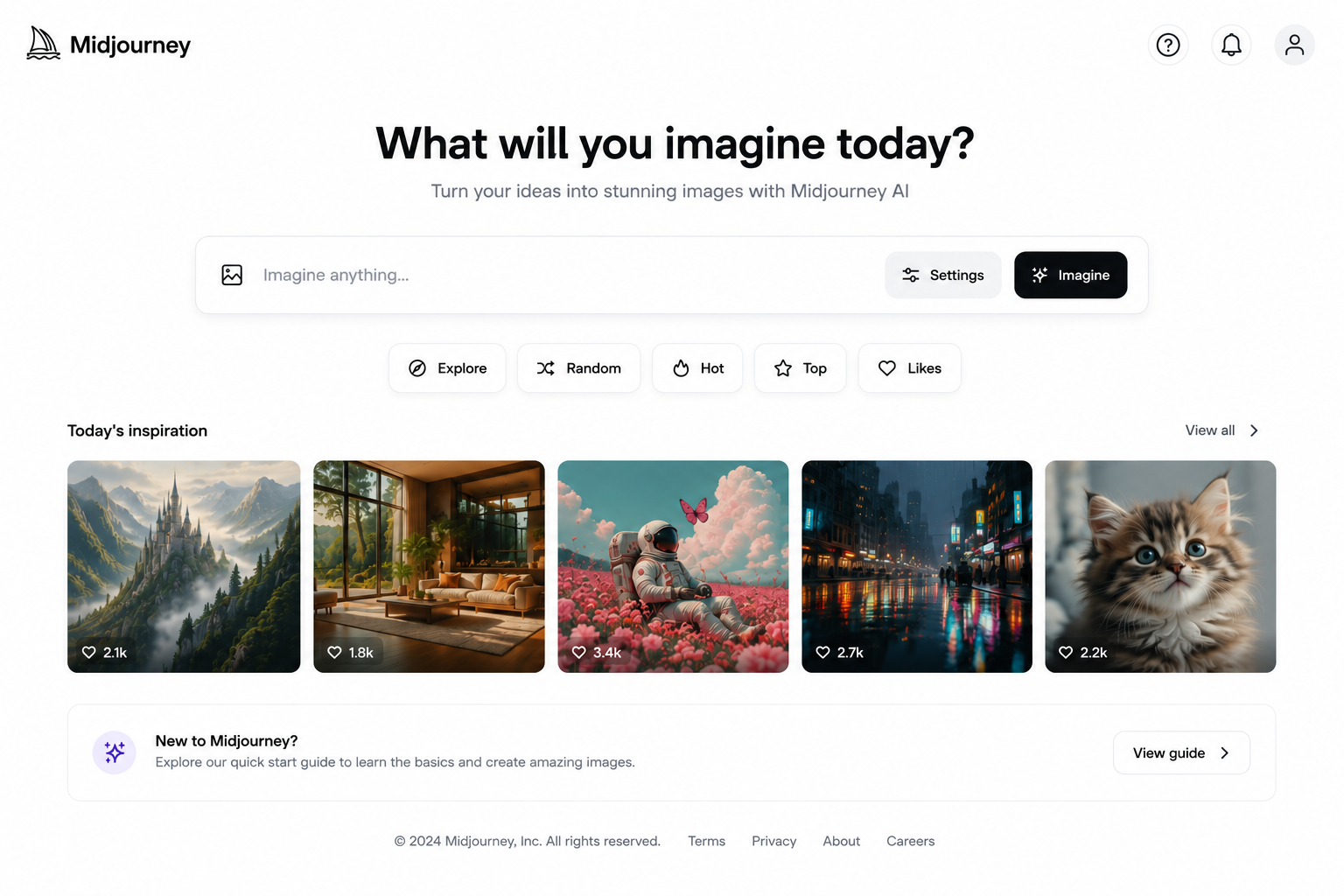
Canva is a design tool with built-in AI features. You can create designs, remove backgrounds, and generate images using simple text. It is the easiest place for a beginner to start.
How it helps your design work:
- Design logos, posters, flyers, and social media posts
- Create YouTube thumbnails and presentations
- Use ready-made templates and change them in minutes
- Remove backgrounds and resize designs for different platforms
Free or paid? There is a free plan. Canva Pro is about $15 per month, and some sources show a higher price of up to $18, depending on billing and region.
Advantages:
- The free plan is very good for beginners
- Thousands of ready-made templates
- Easy drag-and-drop design
Disadvantages:
- Features like Background Remover and Magic Resize need Pro
- Many premium templates and stock photos are locked on the free plan
- Many people use the same templates, so designs can look similar
Starter tip: Change at least the colors, fonts, and images in a template. A few small changes make your design look more original.
2. Adobe Firefly: For Safe AI Images and Photo Editing
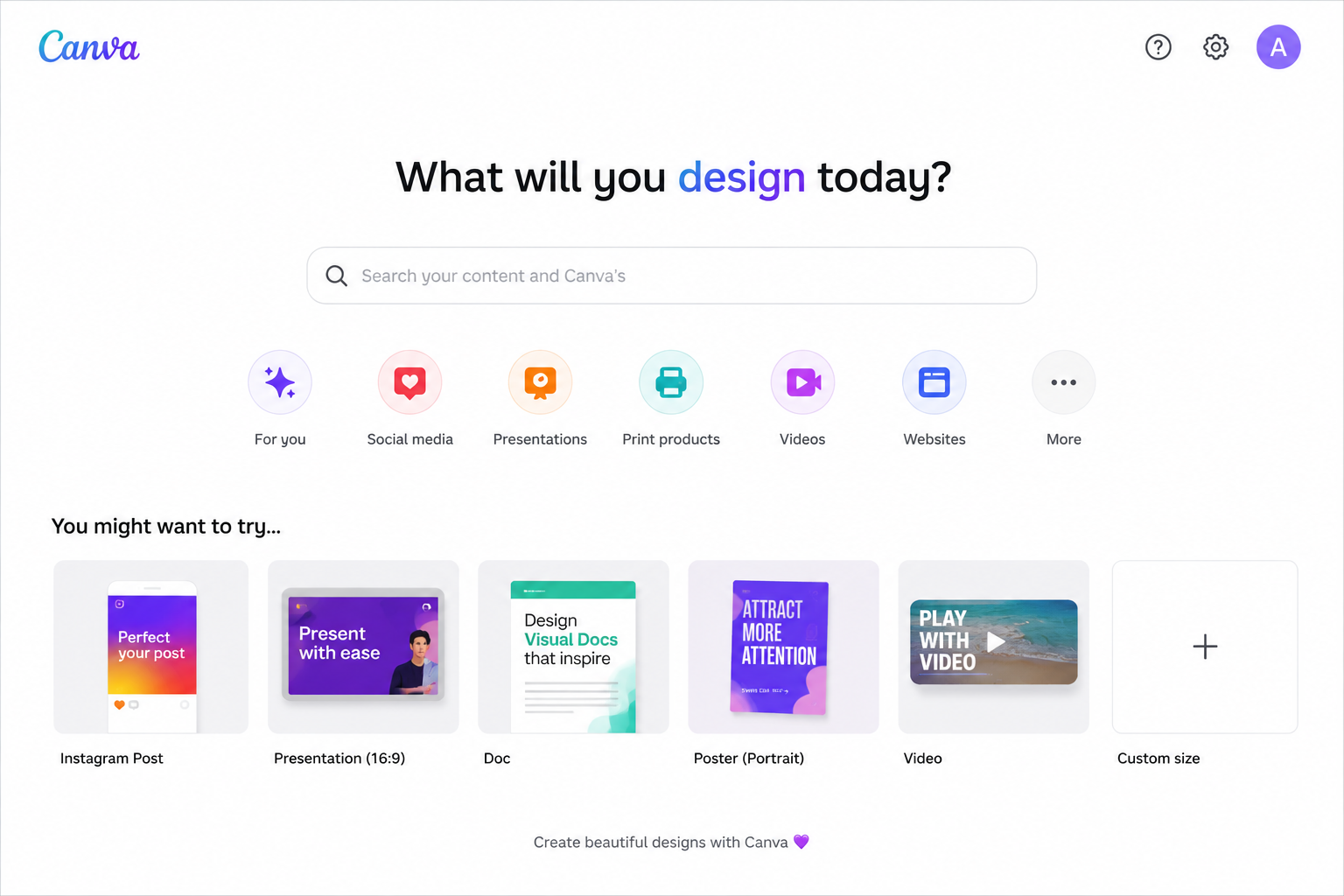
Adobe Firefly is Adobe’s AI tool. It can create images from text, fill or extend parts of a picture, and create vectors and text effects. Adobe also designs it for business-friendly use, which many designers like.
How it helps your design work:
- Create images from a short text description
- Use Generative Fill to add, remove, or change parts of a photo
- Create simple vectors and text effects
- Work alongside other Adobe tools such as Photoshop and Adobe Express
Free or paid? There is a free plan with a small number of monthly credits (about 25), which is only enough for testing. Firefly Standard costs $9.99 per month and gives 2,000 generative credits. Firefly Pro costs $19.99 per month and gives 4,000 credits, plus Photoshop on web and mobile.
Advantages:
- Free plan available for testing
- Easy to use inside the Adobe world
- Paid plans include unlimited standard image generation
Disadvantages:
- The free plan is very limited
- Video and advanced features use up credits quickly
- It can feel less artistic than some other image tools
Starter tip: Use the free plan first and see how many credits one project uses. Then decide whether Standard is enough for you.
3. Midjourney: For Artistic AI Images
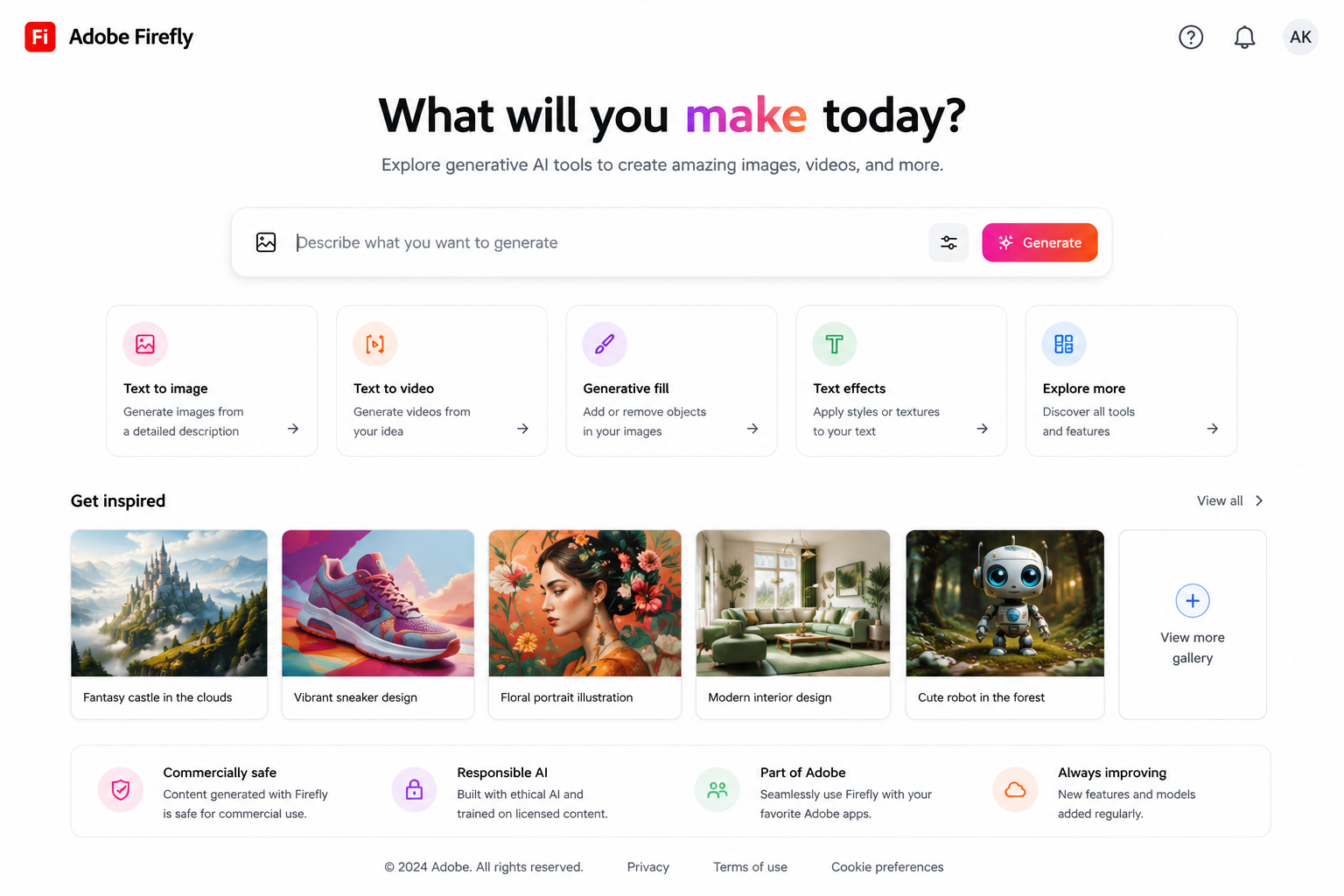
Midjourney creates images from text descriptions. The quality can be amazing, even for beginners, and it is popular for art, posters, and book covers.
How it helps your design work:
- Create illustrations for book covers, blogs, and posters
- Design art for wallpapers and print-on-demand products
- Make social media visuals for brands
- Explore many creative styles quickly
Free or paid? Paid only. There is no free plan on the website or Discord. Plans start at about $10 per month (Basic).
Advantages:
- Excellent, high-quality AI images
- Great for art, posters, and book covers
- Many creative styles
Disadvantages:
- No free plan, so you must pay from day one
- It takes time to learn good prompts
- Rules about selling AI art can be different on each platform
Starter tip: Check the rules of the marketplace before you sell. Some platforms have special policies for AI-generated art.
4. Leonardo AI: For AI Images With More Control
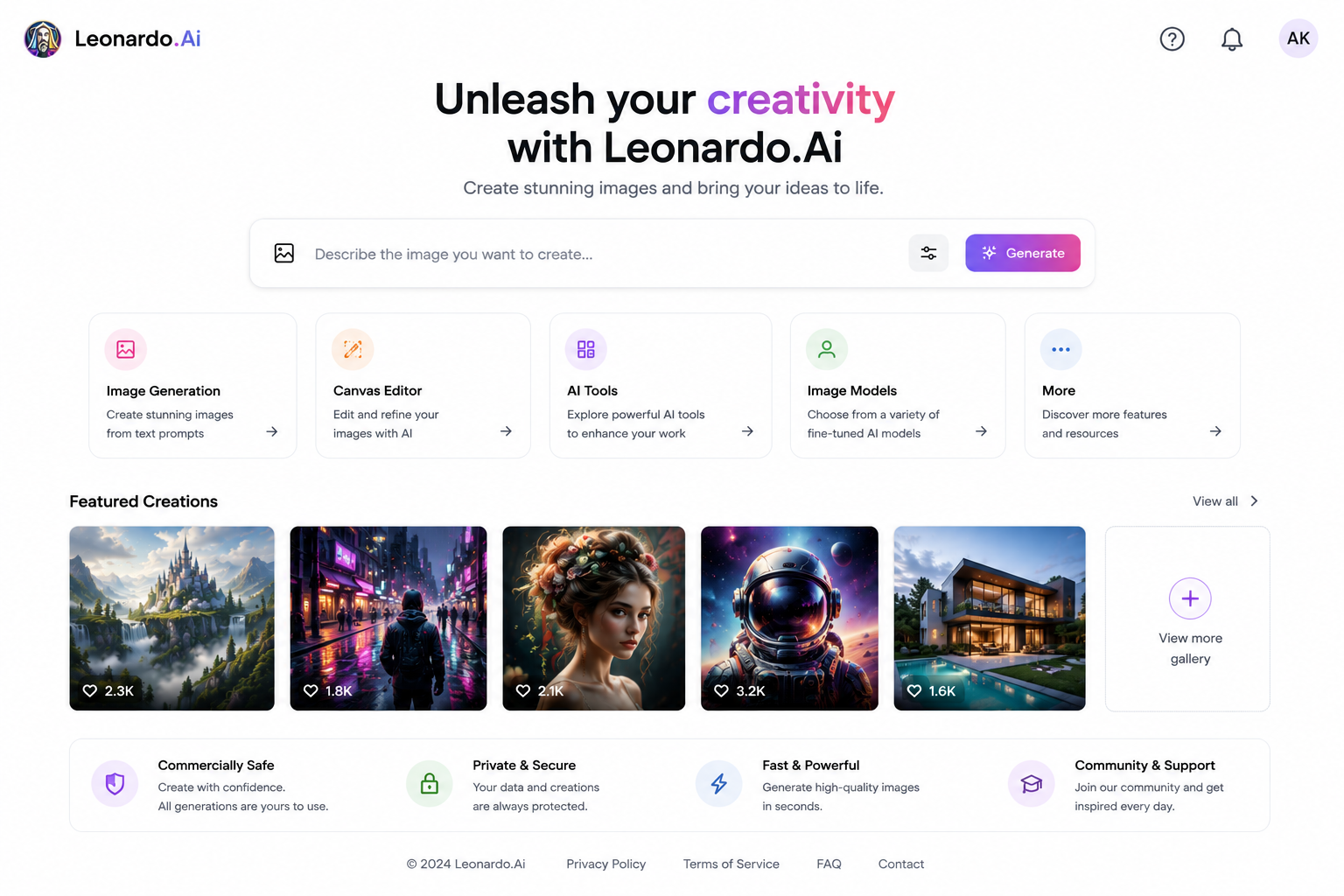
Leonardo AI is an image generator that gives you more control over style. It has a free plan, and it is popular with designers who want to create game art, product mockups, characters, and consistent visual styles.
How it helps your design work:
- Create images, characters, and concept art from text
- Edit and upscale images inside the tool
- Keep a similar style across many images
- Make product visuals, backgrounds, and social media art
Free or paid? There is a free plan with 150 tokens that reset every day, but free images are public. Paid plans start at $12 per month (Apprentice) or about $10 per month if billed yearly, with private generations and more tokens. The Artisan plan is $30 per month.
Advantages:
- Free plan available, so you can test it every day
- More control over style than many simple tools
- Paid plans offer private generations
Disadvantages:
- Free images are public, and free tokens run out quickly
- It takes time to learn the settings
- Token use can be confusing at first
Starter tip: Do not upload client logos or private designs on the free plan, because free generations are public.
5. Looka: For Logos and Brand Kits
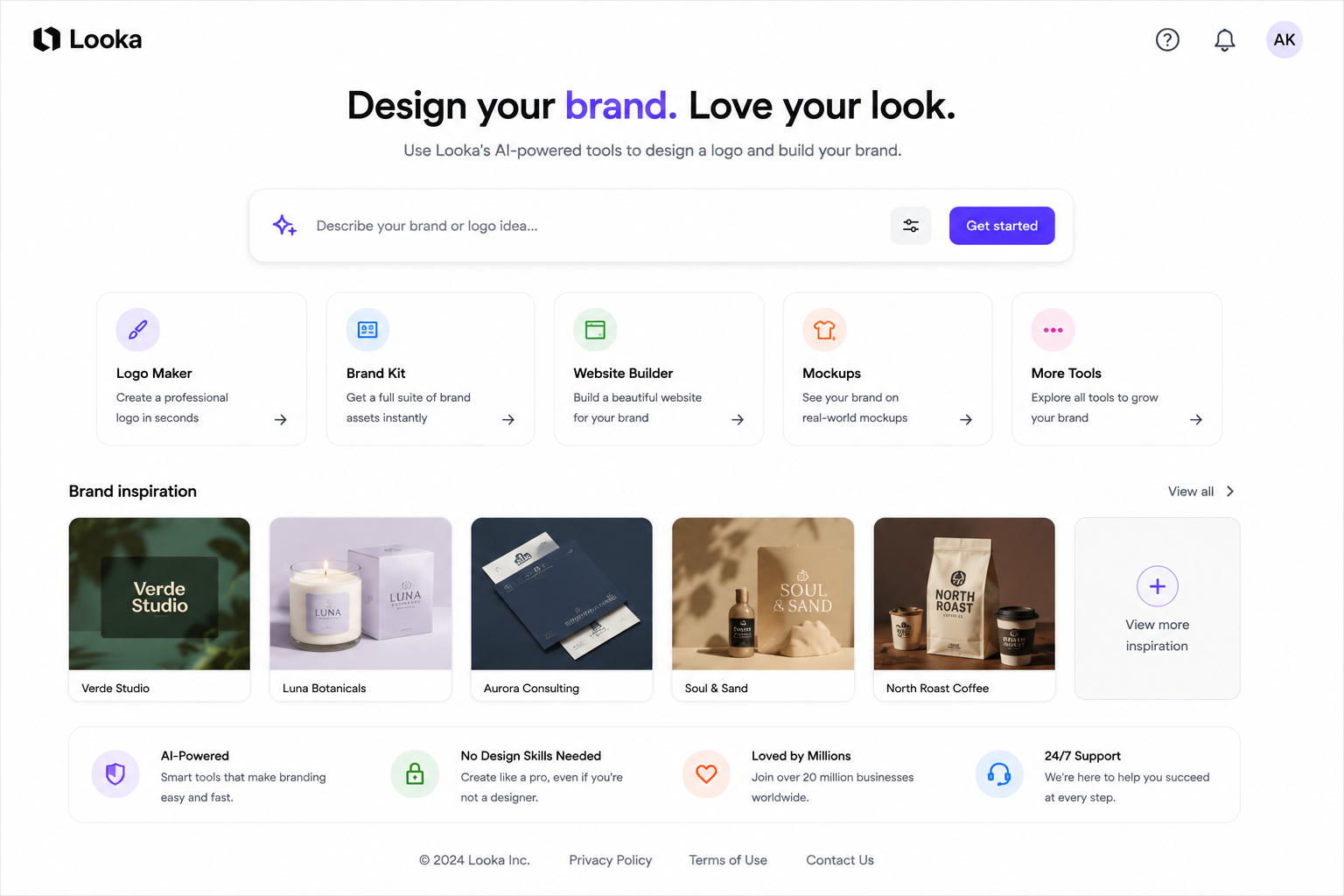
Looka is an AI logo maker. You enter your business name, choose your style and colors, and it creates many logo ideas. It can also build a simple brand kit with business cards and social media templates.
How it helps your design work:
- Create a logo for a new business in a short time
- Get matching colors and fonts for your brand
- Make business cards and social media templates
- Show a client several logo ideas quickly
Free or paid? You can design for free, but you pay to download. Logo packages are onetime purchases: Basic was about $20 and Premium about $65, but one report says these prices rose in September 2026 to about $35 and $72, so check Looka’s website. The Brand Kit subscription is about $96 per year. The Basic package gives only a simple PNG file, so Premium is the better choice if you need vector files for printing.
Advantages:
- Very fast and easy for non-designers
- One-time payment option for a logo
- Brand Kit gives you matching templates
Disadvantages:
- Logos can look similar to other AI-made logos
- The cheapest package may not include vector files
- Not ideal if you need a very unique brand identity
Starter tip: For a serious business, search for similar logos before you choose one. Your logo should look like your brand, not like everyone else’s.
Quick Overview: Free or Paid?
| Tool | Free or Paid? | Paid Plan Starts At | Best For |
|---|---|---|---|
| Canva | Free + Paid | About $15/month (Pro) | Everyday Design and Social Media |
| Adobe Firefly | Free + Paid | $9.99/month (Standard) | Safe AI Images and Photo Editing |
| Midjourney | Paid Only | About $10/month (Basic) | Artistic AI Images |
| Leonardo AI | Free + Paid | $12/month (Apprentice), or about $10 billed yearly | AI Images with More Control |
| Looka | Free to Try, Pay to Download | About $20–$35 for a Basic Logo, $96/year for Brand Kit | Logos and Brand Kits |
Which Tool Should You Choose?
Want to start for free? Try Canva, Adobe Firefly, or Leonardo AI first.
Complete beginner? Start with Canva. It is the easiest to learn.
Want artistic images? Try Midjourney if you are ready to pay, or Leonardo AI if you want a free start.
Need a logo quickly? Try Looka, then check the design carefully before you pay.
Edit photos? Try Adobe Firefly.
How to Start With AI Graphic Design: A Simple 4-Step Plan
1. Choose one tool. Do not try all five at once. Canva is a good first choice.
2. Practice for 2–4 weeks. Create 3–5 sample designs, such as a logo, a poster, and a social media post.
3. Build a small portfolio. Save your best work and show it on social media or freelance websites like Fiverr or Upwork.
4. Start small. Take your first few orders at a fair price, collect reviews, and then increase your rates.
FAQs
Can beginners really learn graphic design with AI tools? Yes, but it takes practice. AI tools help with ideas and speed, but you still need to learn simple design rules like spacing, color, and clear text.
Which AI tool is best for graphic design beginners? Canva is the easiest to learn and has a good free plan.
Do I need to pay for these tools? No. Canva, Adobe Firefly, and Leonardo AI all have free plans. Midjourney is paid only, and Looka charges when you download your logo.
Can I sell designs made with AI tools? Often yes, but it depends on the tool, your plan, and the marketplace. Always read the terms before selling.
Can AI replace graphic designers? Not fully. AI can create options quickly, but designers are still needed for strategy, taste, brand thinking, and checking quality.
How long does it take to get the first client? It depends on your effort. Some people get their first order in a few weeks, while others need a few months.
Conclusion
AI tools will not make you a great designer overnight, but they remove many of the slow and difficult steps. People who learn to use them well can create better designs, work faster, and build a real income from design. Pick one tool, practice every day, and focus on solving real problems for real people.
Which AI design tool will you try first? Start today, because the best time to learn a new skill is now.