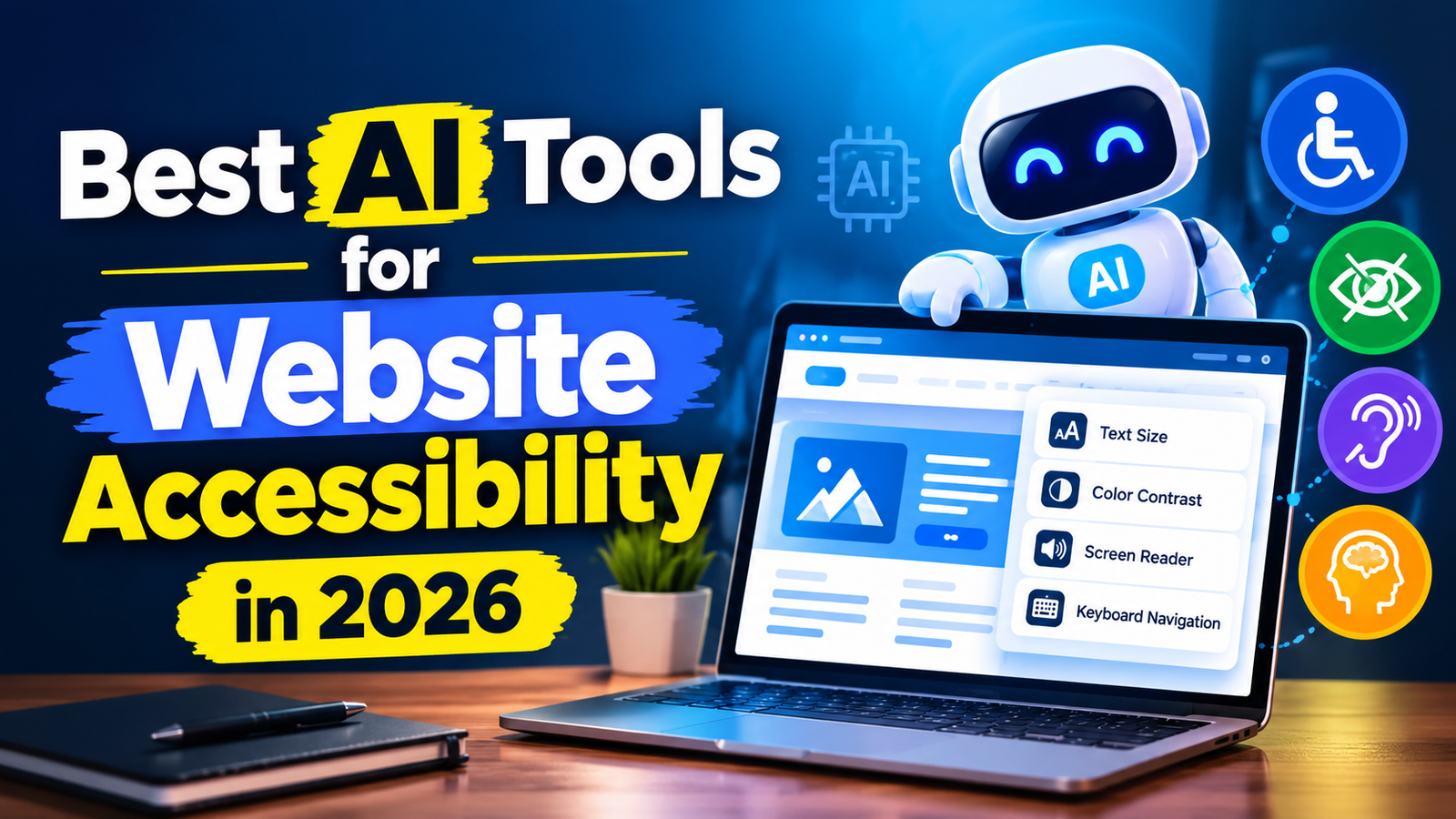
A website should be easy to use for everyone. However, some websites can be difficult to access for people with disabilities, including people with visual, hearing, mobility, or cognitive difficulties.
Website accessibility helps make websites easier for more people to use.
AI is now making this process easier by helping website owners find accessibility problems and improve different parts of their websites.
In this guide, we will look at some of the best AI tools for website accessibility in 2026 and explain how they can help.
Best AI Tools for Website Accessibility
1. accessiBe
accessiBe uses AI-powered technology to help websites improve accessibility.
The platform can identify certain accessibility issues and provide automated solutions. It is designed to work with websites without requiring users to manually change every part of the website.
Best for: Website owners looking for automated accessibility assistance.
Key features:
- AI-powered accessibility solutions
- Website scanning
- Automated adjustments
- Accessibility monitoring
- Support for different accessibility needs
It can be useful for businesses that want to start improving their website accessibility without doing everything manually.
2. UserWay
UserWay provides accessibility tools that can help website owners identify and address accessibility issues.
It offers an accessibility widget and scanning tools that can help improve the user experience for people with different needs.
Best for: Small businesses and website owners.
Key features:
- Accessibility scanning
- Accessibility widget
- Automated improvements
- Website monitoring
- Accessibility tools for users
UserWay can be added to many websites and is designed to make accessibility improvements easier to manage.
3. AudioEye
AudioEye combines automated technology with accessibility tools to help websites become more accessible.
It can scan websites for accessibility issues and provide solutions for different types of problems.
Best for: Businesses and larger websites.
Key features:
- Accessibility testing
- Automated remediation
- Website monitoring
- Accessibility tools
- Human-assisted services
AudioEye can be useful for organizations that need ongoing accessibility support rather than a one-time website check.
4. accessScan
accessScan is designed to help website owners check their websites for accessibility problems.
It can analyze webpages and identify areas that may need improvement.
Best for: Quick accessibility testing.
Key features:
- Website accessibility scanning
- Issue detection
- Accessibility reports
- Simple testing process
Tools like this can be useful before making larger accessibility improvements because they help you understand where problems exist.
5. EqualWeb
EqualWeb provides accessibility solutions that use automation to help improve websites.
The platform includes accessibility testing and tools designed to help website owners address common accessibility problems.
Best for: Businesses that want accessibility tools and monitoring.
Key features:
- Automated accessibility solutions
- Website scanning
- Accessibility monitoring
- Compliance-related tools
- User accessibility features
AI Accessibility Tools Are Not Perfect
AI can make accessibility testing easier, but it should not be treated as a complete replacement for human testing.
Some accessibility problems require real user testing and manual review.
For example, an AI tool may identify that an image has alternative text, but it may not always understand whether that description is actually useful.
This is why it is important to review AI suggestions instead of accepting every recommendation automatically.
Tips for Making Your Website More Accessible
Here are some simple improvements you can make:
- Use clear and readable text
- Add useful alternative text to important images
- Use descriptive link names
- Organize content with proper headings
- Make sure important functions work with a keyboard
- Provide captions for videos
- Use sufficient color contrast
- Make forms easy to understand
- Avoid unnecessary animations
- Test your website on different devices
Which AI Accessibility Tool Should You Choose?
The best option depends on your website and your needs.
accessiBe can be useful if you want automated accessibility assistance.
UserWay is worth considering for small businesses and website owners who want accessibility tools.
AudioEye can be useful for businesses that need ongoing accessibility support.
accessScan can be helpful when you mainly want to scan a website and find potential issues.
EqualWeb provides automated accessibility features along with testing and monitoring options.
Before choosing a tool, check its current features, pricing, and how well it fits your website.
Lorem ipsum dolor sit amet, consectetur adipiscing elit. Ut elit tellus, luctus nec ullamcorper mattis, pulvinar dapibus leo.