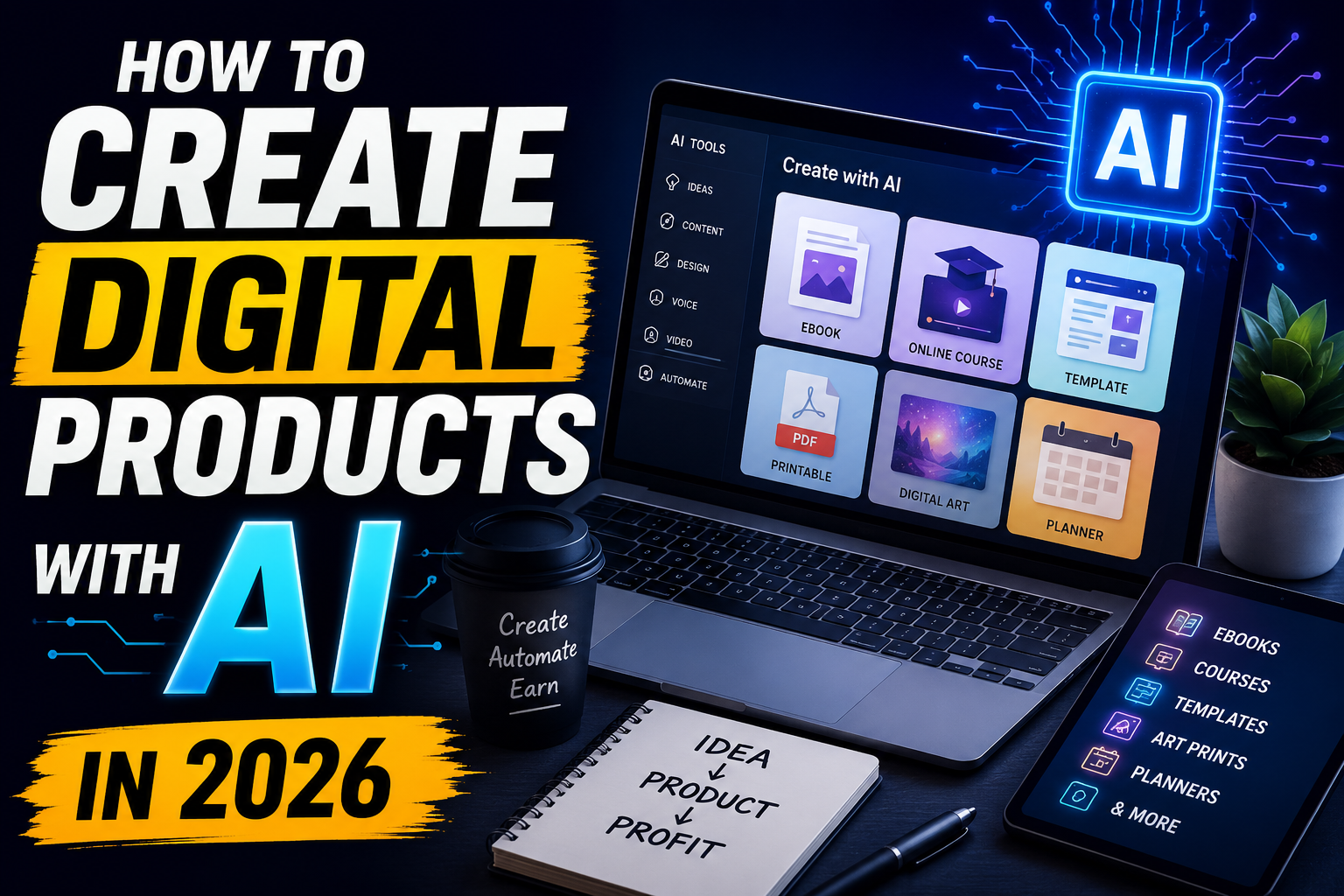
Digital products are one of the easiest online business models to understand.
Unlike physical products, digital products do not need packaging, shipping, or a warehouse. You create a digital file once and can potentially sell it multiple times.
In 2026, AI tools can make the process much faster.
You can use AI to research ideas, create outlines, write drafts, generate images, design layouts, organize information, and improve your product.
However, AI should not be treated as a button that automatically creates a product people will buy.
A successful digital product should solve a specific problem or help someone achieve a specific goal.
In this guide, you will learn how to create digital products with AI from start to finish, even if you are a beginner.
What Are Digital Products?
Digital products are products that customers can receive or use digitally instead of receiving a physical item.
Some common examples include:
- Ebooks
- Templates
- Planners
- Checklists
- Notion templates
- Resume templates
- Social media templates
- Prompt packs
- Online courses
- Guides
- Printables
- Spreadsheets
- Workbooks
- Digital artwork
For example, instead of selling a physical notebook, you could create a digital productivity planner that customers download as a PDF.
The customer receives the file, and you do not need to ship anything.
How Can AI Help You Create Digital Products?
AI can help with many parts of the creation process.
You can use AI for:
- Product ideas
- Market research
- Outlines
- Writing
- Editing
- Brainstorming
- Images
- Design concepts
- Product descriptions
- Marketing copy
- Social media posts
For example:
Idea → Research → AI Draft → Human Editing → Design → Product → Marketing
The human part is still important.
AI-generated content can contain errors, repetitive writing, or generic ideas. You should review and improve the final product before selling it.
Canva also states that AI output should be reviewed for accuracy and that users are responsible for evaluating whether AI output is suitable for their intended use.
1. Choose a Digital Product Type
Once you find a problem, decide what type of product can solve it.
Here are some beginner-friendly options.
Ebooks
You can create:
- Beginner guides
- Tutorials
- Educational books
- Checklists
- How-to guides
Templates
You can create:
- Resume templates
- Business templates
- Social media templates
- Presentation templates
- Invoice templates
Planners
Examples include:
- Daily planner
- Weekly planner
- Study planner
- Fitness planner
- Content planner
- Budget planner
Prompt Packs
You can create collections of useful AI prompts for specific audiences.
For example:
100 ChatGPT Prompts for Freelancers
100 AI Prompts for YouTube
Creators Checklists
You could create:
- YouTube launch checklist
- Blog SEO checklist
- Freelancing checklist
- Social media checklist
- Small business checklist
2. Choose a Specific Audience
A common mistake is creating a product for everyone.
Instead, choose a specific audience.
For example:
Students
Freelancers
YouTubers
Bloggers
Small businesses
Job seekers
Content creators
A product becomes easier to market when you know exactly who it is for.
Compare these two ideas:
General
AI Productivity Guide
Specific
AI Productivity Guide for Freelancers
The second product has a much clearer audience.
3. Use AI to Research Product Ideas
AI can help you brainstorm product ideas.
For example, you can ask:
Give me 20 digital product ideas for beginner freelancers. Focus on products that solve practical problems and can be delivered as PDFs, templates, spreadsheets, or checklists.
You can then choose the ideas that seem useful.
However, do not assume that an AI-generated idea automatically has market demand.
Research the audience yourself.
Look at:
- Questions people ask
- Problems people discuss
- Existing products
- Reviews
- Forums
- Social media
- Search results
The goal is to find a problem people actually care about.
4. Create the Product Outline With AI
Once you choose an idea, AI can help you organize it.
Suppose you want to create:
“The Beginner’s Guide to AI Freelancing”
You could create an outline like:
1. What is AI freelancing?
2. Best beginner skills
3. Useful AI tools
4. How to create a portfolio
5. How to find clients
6. How to write proposals
7. How to price services
8. Common mistakes
9. Getting repeat clients
10. Final checklist
This gives you a structure before you start writing.
5. Create a Digital Planner With AI
Planners are another simple option.
For example:
AI Productivity Planner for Freelancers
It could include:
- Daily task planner
- Weekly goals
- Client tracker
- Income tracker
- Project tracker
- Content planner
- Monthly review
AI can help you brainstorm the sections.
A design tool can help you create the final layout.
You can then export the planner as a PDF.
10 Digital Products You Can Create With AI
Here are some ideas to get started:
1. AI Prompt Pack for Freelancers
2. 30-Day Social Media Content Calendar
3. Student Study Planner
4. Freelance Proposal Templates
5. AI Productivity Planner
6. Small Business Marketing Checklist
7. YouTube Content Planner
8. Resume Template Pack
9. Blog SEO Checklist
10. Beginner AI Guide
Choose one audience and create a product specifically for them.
Common Mistakes to Avoid For Beginners
Creating a Product Nobody Needs
Always start with a problem.
Copying AI Output
AI output should be reviewed and improved.
Using Copyrighted Content
Do not copy books, articles, images, logos, or other protected material.
Ignoring Platform Rules
Every marketplace has its own requirements.
Making Misleading Claims
Do not promise guaranteed income or results.
Using Too Many AI Tools
You usually need only a few tools.
Making the Product Too Complicated
Simple and useful is often better than huge and confusing.